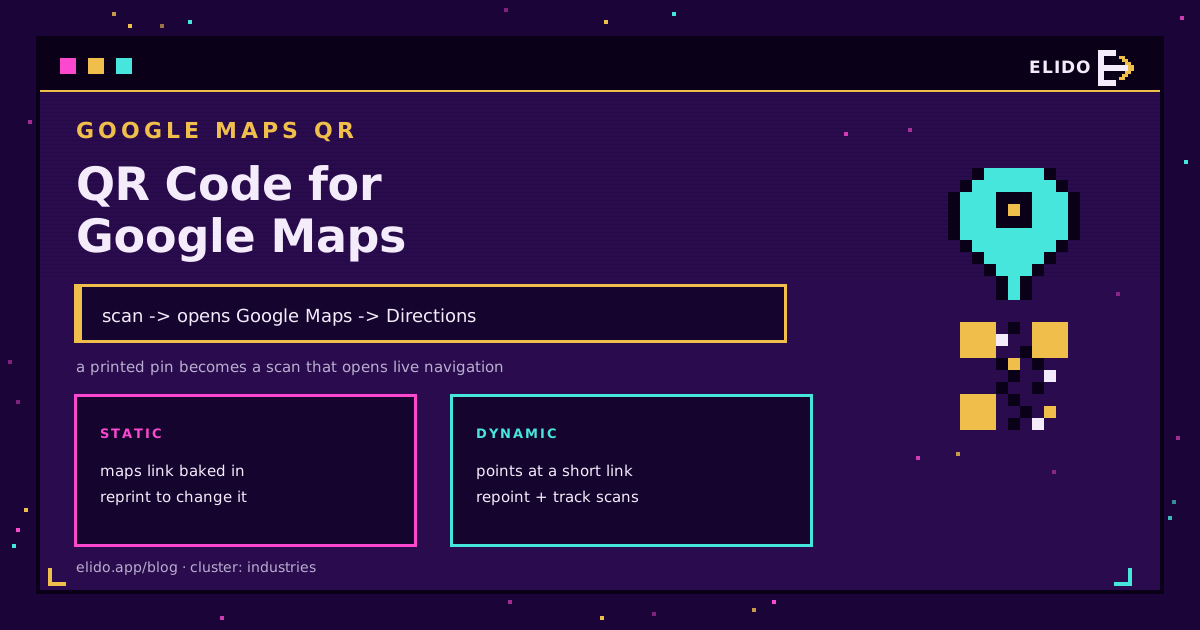
To make a QR code for Google Maps: open Maps, find your place, tap Share, and copy the link. Paste that link into a QR code generator, and you have a code that opens your exact location on a phone with directions one tap away. That is the whole flow, and the rest of this guide is the details that decide whether it sends people to your door or to the wrong side of the street.
This is an industries-cluster walkthrough for local businesses, events, and anyone printing an address. If QR codes are new to you, how to create a QR code covers the basics; here we focus on the Maps-specific parts.
Get the Right Google Maps Link
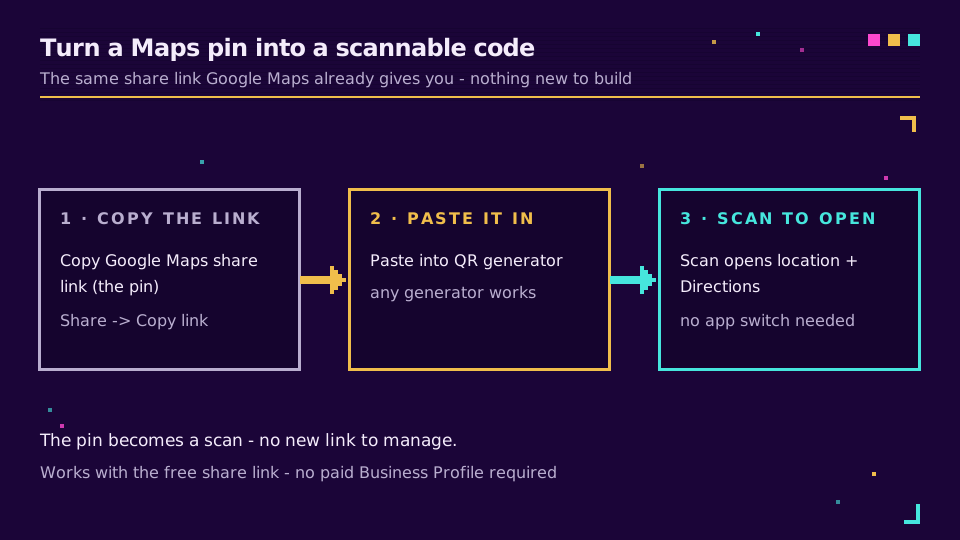
The link is where a Maps QR code succeeds or fails. Do not type your address into a generator; copy the link Google Maps gives you for the exact pin.
- Open Google Maps and search for your business or drop a pin on the precise spot.
- Tap or click Share.
- Copy the link. Google's own share a place or map help walks the menu on each platform.
Why the share link and not the address? A typed address is geocoded fresh by the scanner's phone, and ambiguous addresses land on the wrong branch, the wrong unit, or the opposite side of a divided road. The share link resolves to the pin you chose, every time.
Location Pin vs Directions Route
Google Maps gives you two kinds of link, and they behave differently when scanned.
- A location link opens your pin. The visitor sees where you are and taps to navigate from wherever they happen to be. This is the right default for a storefront, an event venue, or a business card.
- A directions link (built by setting a start and end in Maps) opens straight into navigation along a fixed route. Useful when the start point is known - a car park to a stadium gate, a station to a venue - but wrong for general use, because it assumes everyone starts where you did.
Pick the location link unless you have a specific reason to hard-code the route. When in doubt, the pin is more flexible.
Turn the Link Into a Scannable Code
Paste the copied link into a QR generator and export the code. Two things decide whether it holds up in the real world:
- Size and margin. Size the code to the scanning distance and keep the quiet-zone margin, per how big a QR code should be. A door decal read from a metre wants roughly 10 cm; a table card at arm's length, 2-3 cm.
- Static vs dynamic. A static code bakes the Maps link into the pattern, so if you move, rebrand, or the link changes, you reprint everything. A dynamic QR code encodes a short link you can repoint later and track scans on, so you can see how many people the window decal actually brought in.
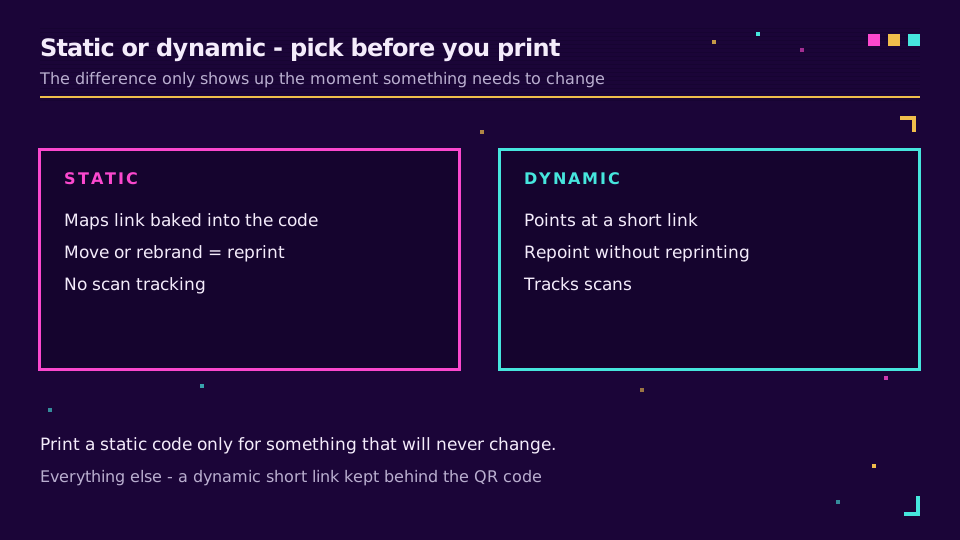
For a moving target - a pop-up, a seasonal location, a market stall - dynamic is the obvious call. Create a dynamic Maps QR code and you can update the pin next season without touching the printed sign.
Where a Maps QR Code Earns Its Keep
The best placements put the code where someone is already deciding whether to visit: a shop window, a flyer, the footer of a printed menu, a real-estate sign, an event poster, a delivery vehicle. Pair it with a plain-language call to action ("Scan for directions") so people know what the code does before they raise their phone.
If you also want reviews or a booking, that is a different destination and a different code - the Google review QR code guide covers the reviews case. One code, one job, is the rule that keeps scans from confusing people.
Read the Cornerstone Series
This sits in the industries cluster. The cornerstone is how to create a QR code. Size it with how big should a QR code be and decide static vs dynamic with dynamic vs static QR codes.
Related on the Blog
Frequently asked questions
How do I make a QR code for Google Maps?
Open Google Maps, find your place, tap Share and copy the link. Paste that link into a QR code generator to get a scannable code. When someone scans it, Google Maps opens on your exact location with a directions button ready.
Can a Google Maps QR code give turn-by-turn directions?
Yes. If you build a route in Google Maps (from a start point to your destination) and copy that directions link, the QR code opens straight into the navigation screen instead of the pin. For most businesses the plain location link is better, because it lets the visitor start navigation from wherever they are.
Is a Google Maps QR code free?
Getting the Maps link is free. Turning it into a QR code is free with most generators for a basic static code. A dynamic code, which you can repoint and track scans on, is usually a paid feature - worth it if the code goes on printed material you cannot easily reprint.
Should I use my address or a Google Maps link in the QR code?
Use the Google Maps share link, not just the typed address. The share link resolves to the exact pin you chose, avoiding the wrong-branch or wrong-side-of-the-street problems that come from a phone geocoding a raw address string.
Why is my Google Maps QR code opening the wrong place?
Almost always because the code encodes a typed address rather than a Maps share link, and the address is ambiguous. Fix it by copying the link from the Share menu on the exact pin in Google Maps, then regenerating the code - or use a dynamic code so you can correct the destination without reprinting.
Try Elido
Paste a URL, get a working short link
No signup. Link lives for 30 days. Sign up to keep it forever.
Free, no signup required · 2 per day