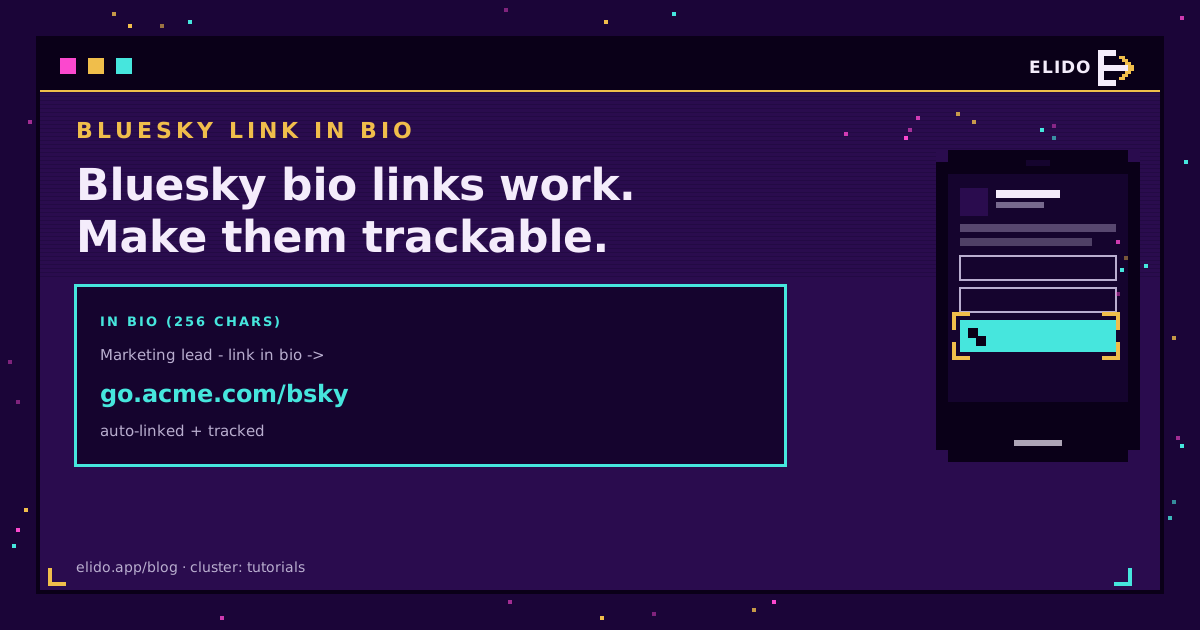
Bluesky does let you put a clickable link in your bio, and it is friendlier about links than most networks. Any URL you type into your 256-character profile description is auto-linked, so it becomes tappable the moment you save. There is no separate "website" field, though, so the link lives inside the bio text itself. The move that makes it count: use one short, branded, trackable link, back it with a pinned post and a custom domain handle, and you can measure exactly what Bluesky sends you.
This is the Bluesky entry in the same playbook as TikTok link in bio and the broader how to track social media links guide: the platform decides where a link can go, and you move the measurement into a redirect you own.
Yes, Bluesky Bio Links Are Clickable
Bluesky, built on the open AT Protocol, auto-detects URLs in your profile description and renders them as clickable links, no special field required. That is the good news, and it is a real contrast with a platform like YouTube Shorts, where links in the description are not clickable at all.
Three things shape how you use it:
- The bio is 256 characters. Your link competes for space with your actual bio, so a long URL is a genuine tax. A short link buys back the characters.
- A pinned post is a second slot. You can pin a post that lists your links, and a pinned post often earns more clicks than the bio URL because it sits in the feed, not just on the profile.
- Your handle can be a domain. Bluesky lets you set a custom domain as your handle, which reads as a verified, recognisable link in its own right and doubles as a trust signal.
Put One Short, Branded Link in the Bio
With only 256 characters, a raw URL like yourbrand.com/campaigns/spring/landing?ref=bluesky is a waste of space and reads as clutter. A branded short link such as go.yourbrand.com/bsky is short, leaves room for a real bio, and looks like it belongs to you rather than to a random redirector.
If you have more than one thing to send people to, point that single link at a link-in-bio page that fans out to all of them. One link in the bio, many destinations behind it, and you never have to edit your profile again to change what it points to. That is the same logic behind every good link-in-bio setup: one memorable address, flexible behind the scenes.
Make It Trackable
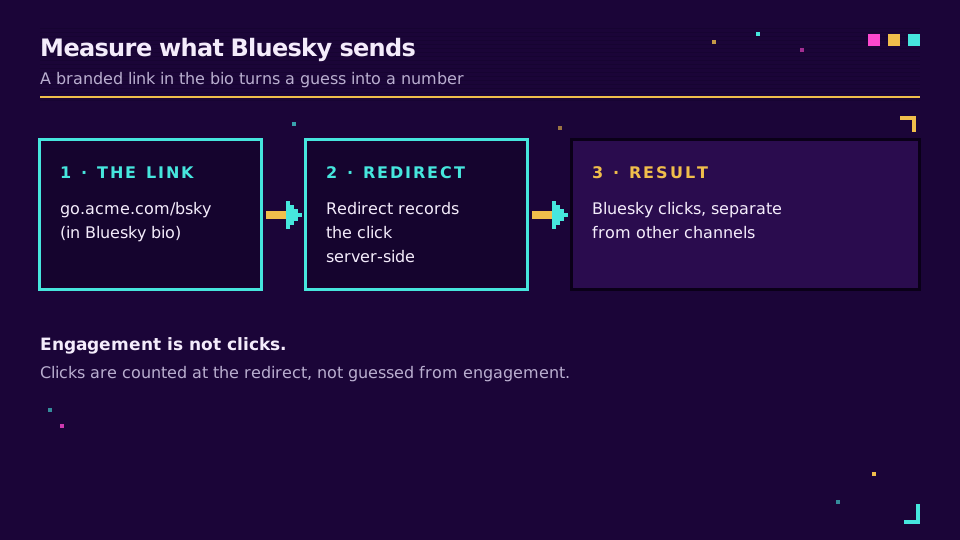
Here is where a plain URL falls short and a short link earns its place. When your Bluesky link is a redirect you own, every click is recorded server-side the moment it resolves: the count, the destination, the time. Give the Bluesky placement its own slug or campaign tag, and you can tell how much traffic Bluesky actually drives, separately from your other networks, instead of guessing from follower counts.
That matters because engagement on a platform is not the same as clicks off it. A post can do numbers and send almost no one to your site, or a quiet account can convert unusually well. A trackable link is the only way to know which. Wrap your Bluesky link and read the clicks the same way you would for any channel, cookie-free.
Three Placements That Compound
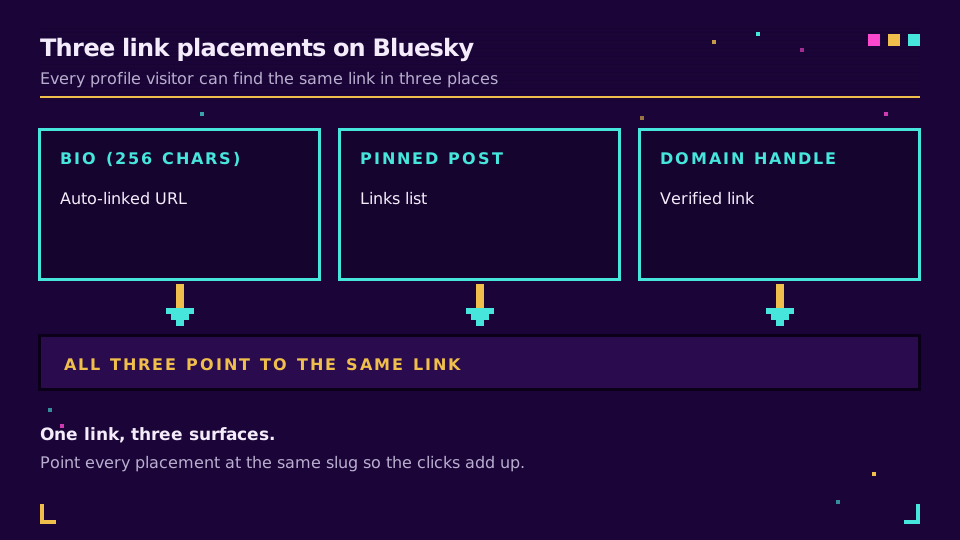
Use all three slots, and point them at the same trackable link so the numbers add up cleanly:
- The bio URL, as one short branded link near the end of your 256 characters.
- A pinned post that repeats the link with a clear reason to tap it.
- Your handle, set to a custom domain if you own one, for the trust it signals.
Keep them consistent. One link, three surfaces, one place to read the clicks. Set your Bluesky link up once and every campaign after that is a slug change, not a profile edit.
Read the Cornerstone Series
This sits in the tutorials cluster. The hub is how to track social media links; the closest siblings are TikTok link in bio and bio pages for creators.
Related on the Blog
Frequently asked questions
Can you add a clickable link to your Bluesky bio?
Yes. Bluesky auto-links any URL you type into your profile description, so the link is clickable once you save. There is no separate website field like Twitter had, so you paste the URL directly into the bio text. The bio is capped at 256 characters, which is exactly why a short link works better than a long one here.
Does Bluesky have a dedicated link-in-bio field?
No. Unlike some networks, Bluesky has no separate link field on the profile. The link lives inside your 256-character bio description, where URLs are auto-detected and made tappable. You can reinforce it with a pinned post that lists links and with a custom domain handle, but the bio itself is the primary spot.
How do I add a link to my Bluesky profile?
Edit your profile, and in the bio description paste the URL you want, ideally one short branded link. Save, and it becomes clickable. Then pin a post that repeats the link with a call to action, and if you can, set a custom domain as your handle so your profile shows a verified, recognisable domain. Three placements, one link.
How do I track clicks from Bluesky?
Use a short link that records each click server-side at the redirect, and give your Bluesky placement its own slug or campaign tag. Because the click is counted at the redirect, you see how many visits Bluesky sent regardless of which device or app the person used, and you can compare it against your other channels in one place.
What is the best link to put in a Bluesky bio?
One short, branded link, either to a link-in-bio page that fans out to everything or straight to your single most important destination. A branded short link is memorable, fits the 256-character budget with room for your actual bio, looks trustworthy, and can be tracked and repointed without editing your profile again.
Try Elido
Paste a URL, get a working short link
No signup. Link lives for 30 days. Sign up to keep it forever.
Free, no signup required · 2 per day