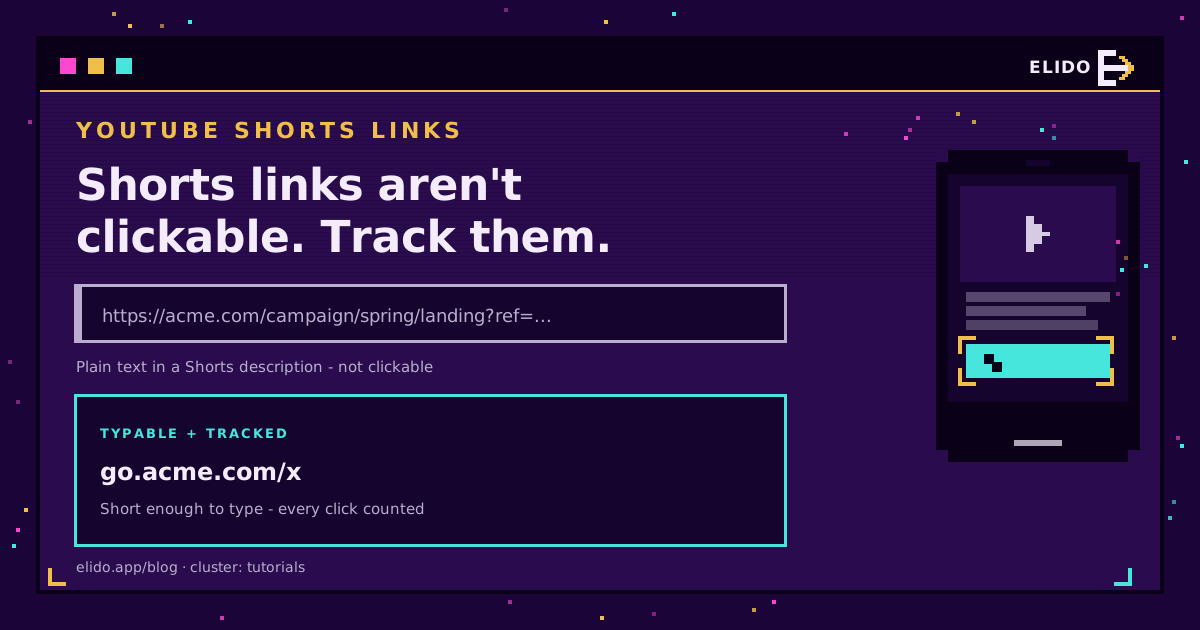
You cannot add a clickable link inside a YouTube Short. YouTube disabled clickable links in Shorts descriptions and comments to fight spam, so any URL you paste there renders as plain text a viewer would have to type by hand. That single fact decides the whole approach: the link you promote on a Short has to be short and memorable enough to type, and it has to be tracked so you still know which Short drove the visit. A branded short link does both.
This is the Shorts-specific case of the broader problem in how to track social media links: the platform limits what you can link, so you move the measurement into a redirect you control. It also rhymes with the TikTok link-in-bio situation, where the clickable spot is scarce and the link has to earn it.
Why Links in Shorts Are Not Clickable
For long-form YouTube videos, description links are clickable and always have been. Shorts are different: YouTube removed clickable links from Shorts descriptions and comments as an anti-spam and anti-scam measure. The reasoning is that Shorts reach huge, fast audiences, which made link spam and redirect scams attractive, so the clickable affordance was pulled.
The effect for a legitimate creator or brand is the same as for a spammer: your link is just text. So the design constraint is real. A long, ugly URL in a Short description is close to useless because nobody will type it. A short, clean, branded link is typable, and that is the difference between a link that gets used and one that does not.
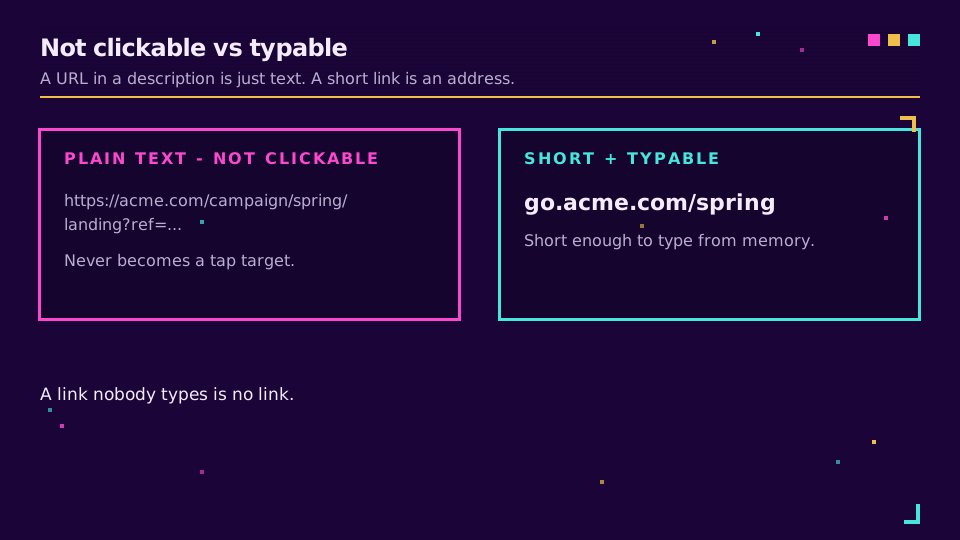
Where You Can Still Put a Link
You have more than one placement; use several and make them consistent.
- Channel profile links. YouTube shows clickable links on your channel page, near the subscribe button. This is the one reliably clickable spot connected to your Shorts, so keep your primary link there.
- The Short's description. Not clickable, but still read. Put the short link as plain text near the top so it is visible in the collapsed view.
- Pinned comment. Also text now, but a pinned comment is a natural place to repeat the link and a call to action.
- On-screen and spoken. Say the link and show it in the video. A branded link like
go.yourbrand.com/dealis short enough to remember for the few seconds it takes to open a browser. - End screens and cards. Where available on the Short, they add another route to the destination.
The through-line is that every one of these works best when the link is short and branded. A branded link is memorable, looks trustworthy, and survives being typed.
Make It a Short, Typable, Trackable Link
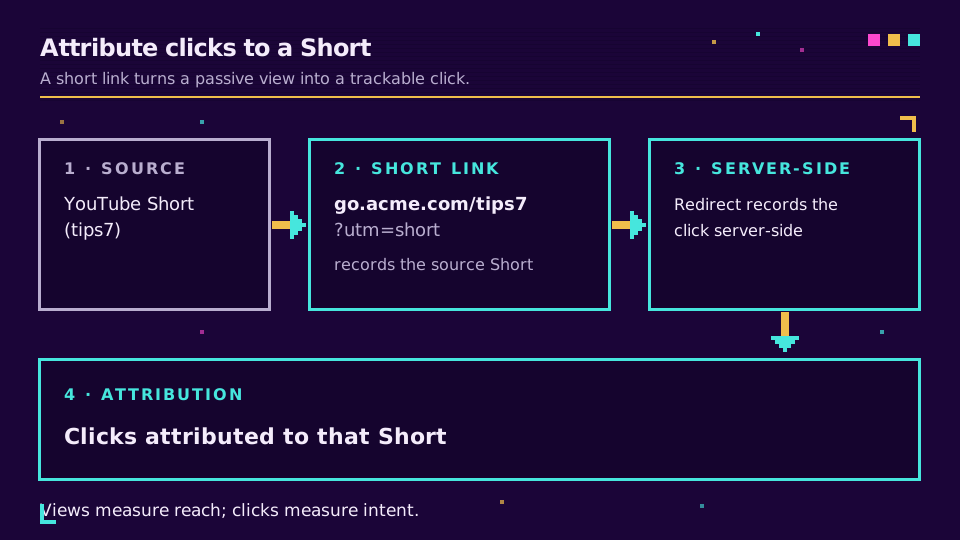
Here is the setup that turns all of that into numbers. Create one branded short link on your own custom domain, give it a slug a person can actually type, and point it at your destination. Because the link is a redirect you own, every visit is recorded server-side the moment it resolves, no matter how the viewer got there, typed from the description, tapped on your channel, or reached from a pinned comment. You can also repoint it later without changing what you told viewers.
Add a UTM tag or a per-Short slug and you can attribute clicks to a specific video. That is how you measure Shorts, a format that otherwise hides its outbound traffic behind an un-clickable link. Create a trackable short link for your next Short and read the clicks in one place, the same way UTM parameters let you separate campaigns.
Track Which Short Drove the Click
If you post Shorts regularly, make the tracking granular so the data is useful:
- Give each Short its own slug or UTM tag, so
go.yourbrand.com/tips7maps to one video. - Keep the destination consistent per campaign, and repoint the link if the offer changes rather than minting a new one.
- Reconcile the short-link click totals against your site analytics to see which Shorts actually convert, not just which get views.
Views measure the algorithm; clicks measure intent. A trackable link is how you tell the difference, and it is the same discipline behind building a link in bio for the rest of your social presence.
Read the Cornerstone Series
This sits in the tutorials cluster. The hub is how to track social media links; the closest sibling is TikTok link in bio.
Related on the Blog
Frequently asked questions
Can you put a clickable link in YouTube Shorts?
No. YouTube disabled clickable links in Shorts descriptions and comments as a spam-prevention measure, so a URL you write there shows as plain text, not a tappable link. Clickable links still work in long-form video descriptions. For Shorts, the practical approach is a short, memorable link viewers can read and type, plus the clickable links YouTube does allow on your channel profile.
How do I add a link to a YouTube Short?
Put a short, easy-to-type link in the Short's description or say it on screen, and add clickable links to your channel profile where YouTube does allow them. The description link will not be tappable, so it has to be short enough to type from memory, which is exactly what a branded short link gives you. You can also use end screens and cards on the Short.
Why are links in my Shorts not clickable?
Because YouTube turned off clickable links in Shorts descriptions and comments to cut down on spam and scams. It is not a mistake in your setup or a formatting problem; it applies to Shorts across the board. The workaround is a link short enough to type, backed by tracking so you still know it came from a Short.
How do I track clicks from YouTube Shorts?
Use a short link that records every click server-side at the redirect, and give each Short its own slug or UTM tag. Because the link is a redirect you own, the click is counted whether the viewer types it, taps it on your channel, or reaches it from a pinned comment, so you can attribute traffic to a specific Short even though the description link is not clickable.
Where should I put the link for a YouTube Short?
In three places: the Short's description as typable text, your channel profile links (clickable), and optionally a card or end screen. Reinforce it verbally or on-screen in the Short itself. Keep it one short branded link so it is easy to say and type, and point all placements at the same trackable destination.
Try Elido
Paste a URL, get a working short link
No signup. Link lives for 30 days. Sign up to keep it forever.
Free, no signup required · 2 per day