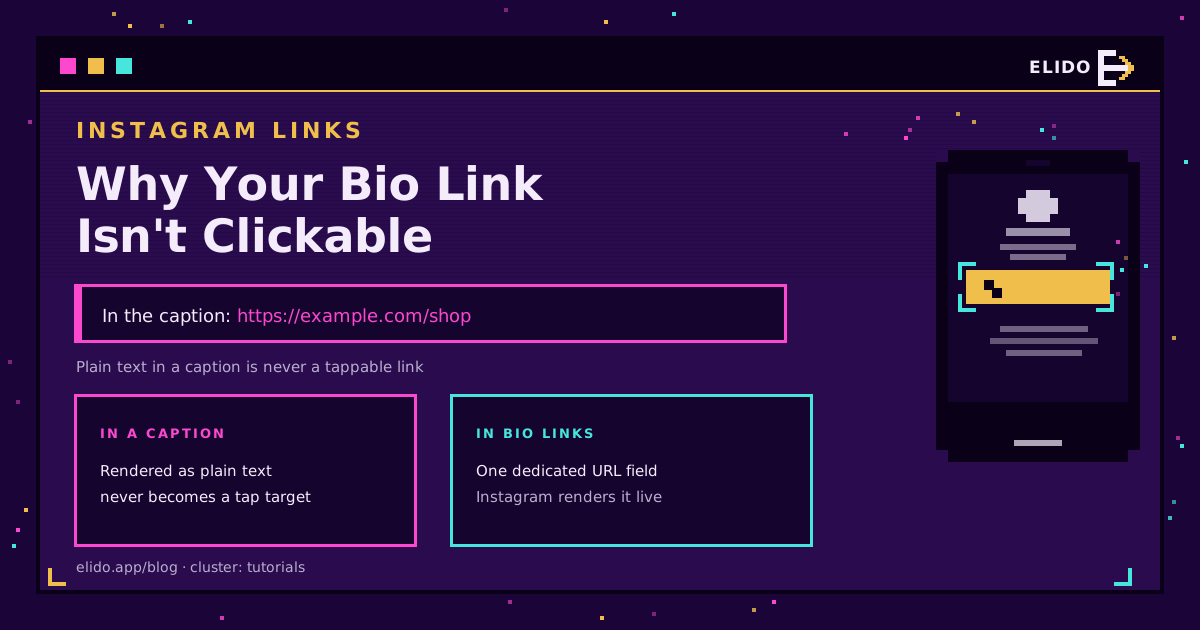
If your Instagram bio link is not clickable, it is almost always one of two things: the link is in a caption or comment (which are plain text and never tappable), or it is in the bio field but missing the https:// prefix it needs to render as a link. Move it to the profile Links field, include the full URL, and save. That fixes the large majority of cases in under a minute.
This is the troubleshooting companion to the how to add a link to your Instagram bio setup guide - that one shows where the link goes, this one explains why yours is not working and how to fix each cause.
The Number One Cause: It Is in a Caption
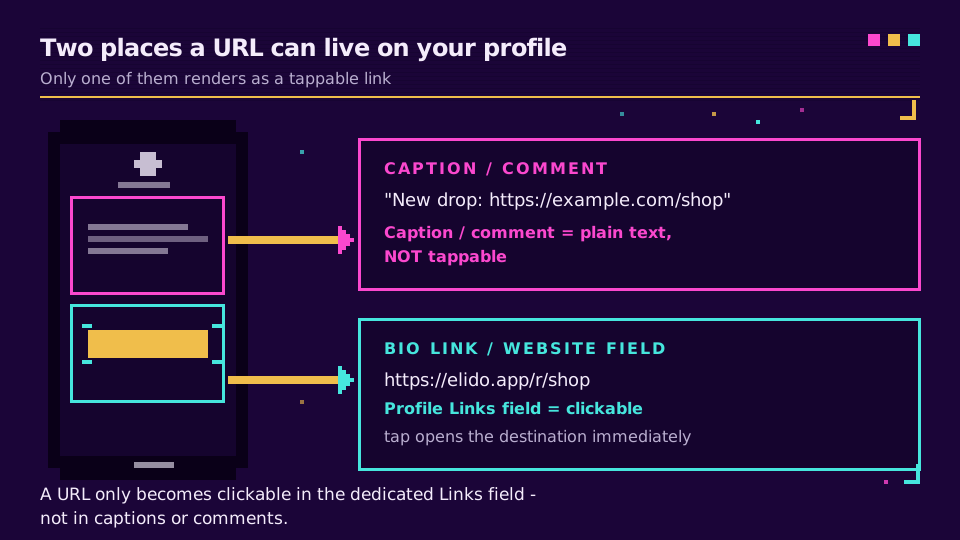
Instagram renders captions and comments as plain text on purpose. A URL you type there shows up as grey text a viewer would have to copy and paste by hand. Nothing you do to the formatting changes that, because it is a platform decision, not a bug in your post. Instagram's own help on adding a link to your profile points you to the profile fields for exactly this reason.
Only two places on Instagram make a link tappable:
- The profile Links field (Edit profile → Links), which shows under your bio.
- A link sticker in a Story.
Everywhere else - captions, comments, post text - is plain text. If your "link" is in any of those, that is the whole problem, and the fix is to move it. This is the same platform-not-your-formatting rule covered in how to make a clickable link across social apps.
The Bio Field Is Right, but Still Not Linking
If the URL is in the Links field and still shows as text, work through these in order:
- Missing the prefix. Paste the full
https://example.com, notexample.com. Instagram needs the scheme to treat it as a link. - Stray spaces or characters. A leading space, a trailing full stop, or a line break inside the field breaks parsing. Clear the field and paste clean.
- Not saved. Sound obvious, but the edit has to be saved; some app versions need you to tap the checkmark or Done before it takes.
- App out of date. A very old app version can mangle the newer multi-link field. Update the app, then re-add the link.
When the Link Works but Only Sometimes
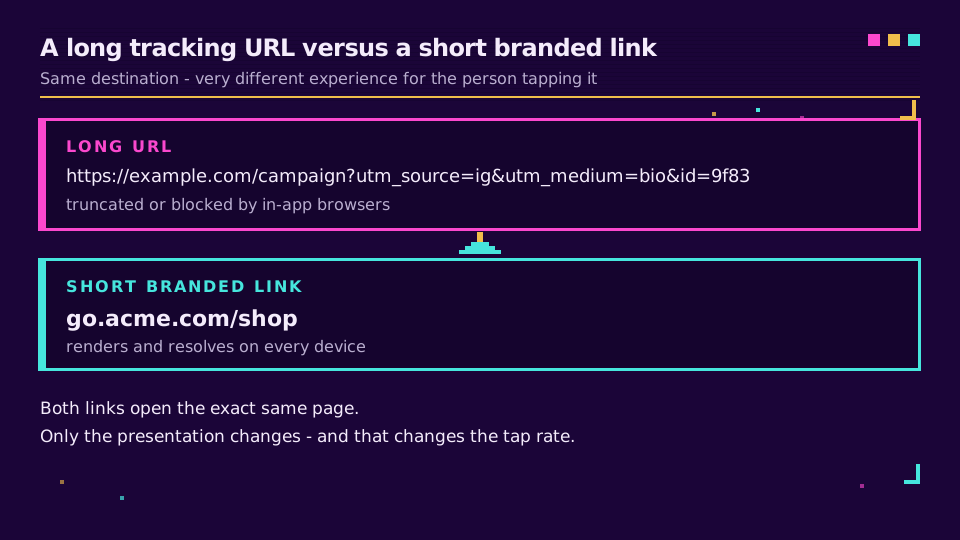
A trickier case: the link is tappable, but some followers say it does nothing, or it opens a blank page. That usually means the URL itself is the weak point - too long, full of tracking parameters, or pointing through a redirect that Instagram's in-app browser handles badly.
A short, clean link fixes this. It renders everywhere, it is short enough that nothing truncates it, and a branded short link resolves through one stable redirect rather than a brittle string of query parameters. It also looks trustworthy in a place where people are wary of tapping.
The Better Fix: One Link, Many Destinations
The bio link is a single slot, and most creators want to send people to more than one place. Rather than swapping the URL every time you post, put a link-in-bio page behind one short link. Visitors get a tidy menu (shop, latest video, newsletter), and you get to see which link they actually tap.
That also solves the "not clickable" problem for good: you set the bio link once, it always works, and you change what it points to without ever touching the profile again. Set up a bio link once and the caption-versus-bio confusion stops mattering.
If you take one thing away: captions are text, the bio field is the link, and a short branded URL is the version that works on every phone.
Read the Cornerstone Series
This sits in the tutorials cluster. The cornerstone is what is link management. The setup companion is how to add a link to your Instagram bio.
Related on the Blog
Frequently asked questions
Why is my Instagram bio link not clickable?
Usually because the URL is in the wrong place or the wrong format. Links only become tappable in the dedicated bio link field (or a link sticker), never inside captions or comments, which are plain text. In the bio field, the URL also needs the https:// prefix; without it, Instagram may show the text but not link it.
Why are links in Instagram captions not clickable?
Instagram deliberately renders caption and comment text as plain, non-tappable text. It is a platform rule, not a formatting mistake, so no amount of editing makes a caption URL clickable. The link has to live in the bio link field or on a link-in-bio page you point people to.
How do I make my Instagram bio link clickable?
Edit your profile, paste the full URL (including https://) into the Links or Website field, and save. It then appears as a tappable link under your bio. For more than one destination, add several links there or use a single link-in-bio page that lists them all.
Why does my Instagram link work on some phones but not others?
That points to a malformed or unusually long URL that some in-app browsers choke on, or a redirect the app blocks. A short, clean branded link sidesteps both - it is short enough to render everywhere and resolves through a stable redirect instead of a fragile long query string.
Can I add more than one clickable link to my Instagram bio?
Yes. Instagram now lets you add several links in the profile Links field, and they stack under your bio. If you need more structure - a menu of destinations with labels - a link-in-bio page behind one short link is cleaner and lets you track which link people tap.
Try Elido
Paste a URL, get a working short link
No signup. Link lives for 30 days. Sign up to keep it forever.
Free, no signup required · 2 per day