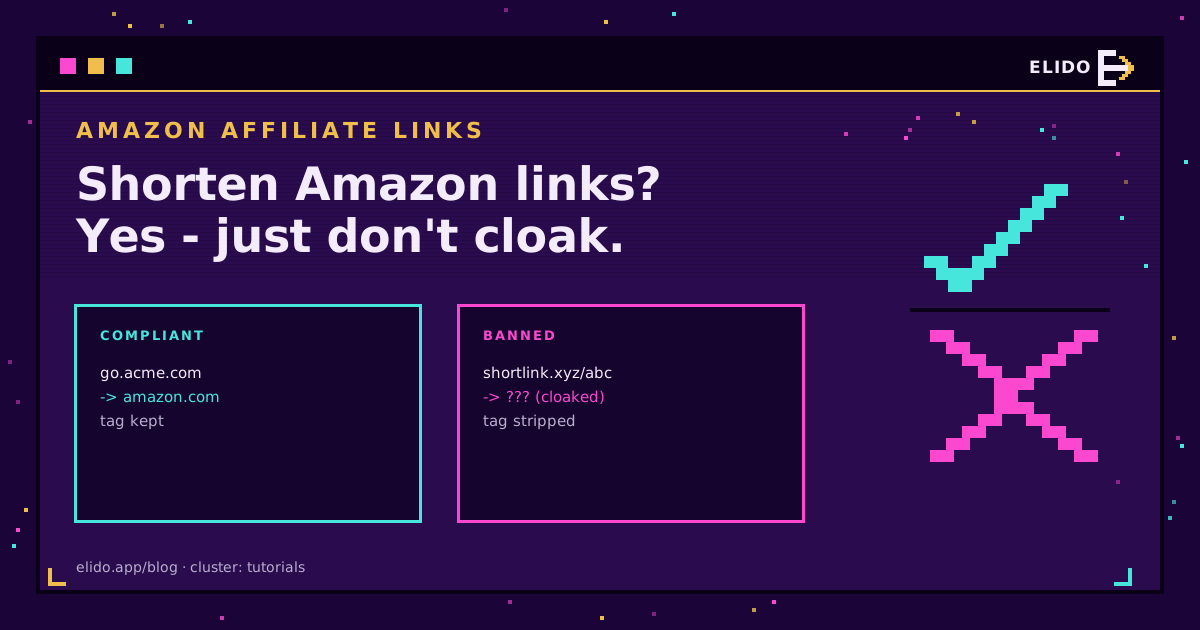
Yes, you can shorten Amazon affiliate links, but on Amazon's terms. The Associates Operating Agreement does not ban link shorteners, and Amazon runs its own in amzn.to. What it does ban is cloaking that hides the link goes to Amazon, and anything that strips your tracking ID. Keep the tag intact, keep the Amazon destination obvious, disclose the relationship, and a shortened link is fine. Break those and you risk your account, not just a link.
This is the Amazon-specific version of the broader affiliate URL shortener guide, which covers sub-IDs and EPC across programs. Amazon is strict enough about its rules to deserve its own page.
What Amazon's Rules Actually Say
Two provisions in the Associates Program policies do the work here.
First, you cannot cloak, spoof, or obscure the URL such that Amazon cannot reasonably determine the site a customer clicked from. Second, you cannot use a link shortener in a way that makes it unclear you are linking to an Amazon site. Read together, they are not a ban on shortening. They are a ban on deception: the shortened link has to remain honest about where it goes and traceable back to your site.
Amazon's own amzn.to links, generated from the SiteStripe tool, are compliant by construction because they keep your tracking ID and land openly on Amazon. That is the baseline every other approach is measured against.
Cloaking Versus Shortening
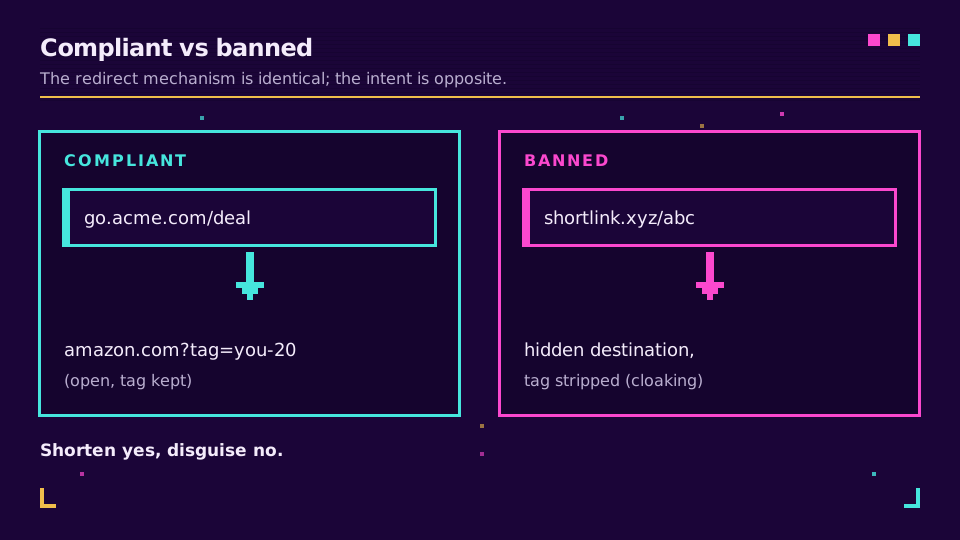
These get confused, and the confusion is what gets people banned. Shortening turns a long URL into a short one that redirects to the same place. Cloaking disguises the destination so the user, or Amazon, cannot tell where the link really goes.
A short link that resolves openly to amazon.com with your tag attached is shortening. A link built so nobody can tell it is an Amazon affiliate link, or that hides the tag, is cloaking. The redirect mechanism is identical; the intent is opposite. Amazon polices the intent, and link cloaking and URL masking is exactly where affiliates most often cross a line without meaning to.
How to Shorten Amazon Links Compliantly
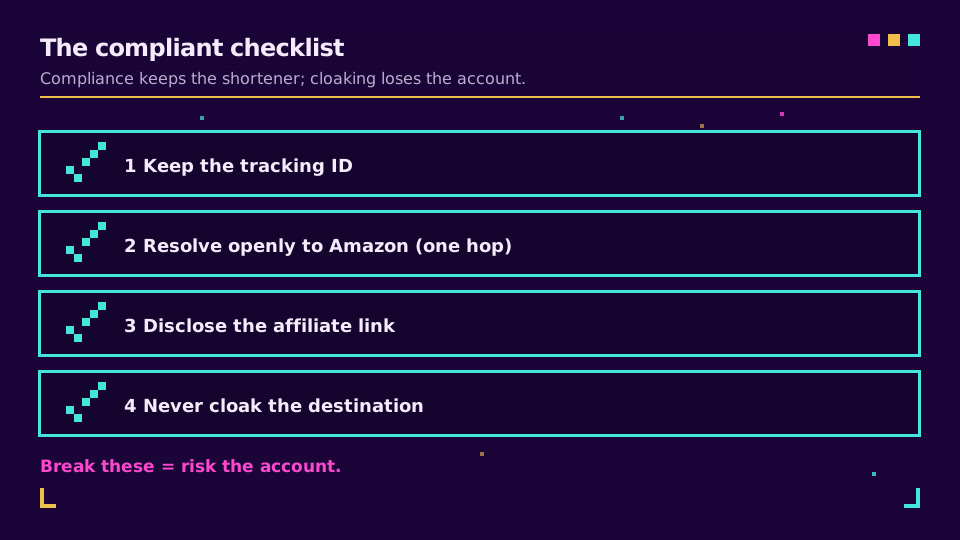
Four rules keep you safe:
- Keep the Associates tracking ID in the final URL. If the redirect drops your tag, you lose the commission and you are arguably obscuring the affiliate relationship.
- Resolve openly to Amazon. One hop, no interstitial that hides the destination.
- Disclose the affiliate relationship near the link, as Amazon and the FTC both require.
- If you use a branded domain, use it for trust and tracking, never to disguise that the link goes to Amazon.
Do those and you get the upside a bare amzn.to cannot give you: a recognisable domain and your own click data. Set up a branded link domain that keeps the tag intact, and you can track the clicks each placement earns in your own analytics instead of guessing.
amzn.to or Your Own Domain?
Use amzn.to when you want zero policy risk and do not care about analytics or branding: it is Amazon's own tool, so it is the conservative choice. Use a branded short link when you want your own click data, a domain that reads as yours, and the ability to manage links across programs in one place, and you are willing to keep it strictly compliant.
Most serious affiliates end up wanting the second, because the first gives Amazon all the data and you none. Just remember that the branded domain is a trust and measurement tool, not a disguise. The moment it hides the Amazon destination, it stops being compliant.
Read the Cornerstone Series
This sits in the tutorials cluster. The broader guide is URL shorteners for affiliate marketers; the branding foundation is what is a branded link.
Related on the Blog
Frequently asked questions
Can you shorten Amazon affiliate links?
Yes. Amazon's Operating Agreement does not ban link shorteners, and Amazon even runs its own (amzn.to). What it bans is cloaking that hides the link points to Amazon, and anything that strips your Associates tracking ID. Shorten the link, keep the tracking tag intact, make it clear the destination is Amazon, and you are within the rules.
Does Amazon allow third-party link shorteners?
Yes, as long as they comply. You can use a third-party or branded shortener for Amazon affiliate links provided the redirect keeps your tracking ID, does not obscure that the link goes to an Amazon site, and Amazon can still determine the site the click came from. The shortener is fine; hiding the Amazon destination is what gets accounts banned.
What counts as link cloaking, and does Amazon ban it?
Cloaking means disguising where a link actually goes. Amazon bans cloaking that hides the URL is an Amazon link or that prevents Amazon from determining the source site. A redirect that lands openly on Amazon with your tag intact is not cloaking; a link engineered to make users and Amazon unable to tell it is an Amazon affiliate link is.
Is amzn.to a compliant short link?
Yes. amzn.to is Amazon's own shortener, generated from the SiteStripe tool, and it preserves your tracking ID by design. It is the safest default because it is Amazon's own product. The trade-off is that it is a shared Amazon domain rather than your brand, so it does not carry your reputation or let you track clicks in your own analytics.
Can I use a branded domain for Amazon affiliate links?
Yes, if it stays compliant. A branded short link on your own domain is allowed as long as the redirect keeps the Associates tracking ID, resolves openly to Amazon, and you disclose the affiliate relationship. You gain your own click analytics and a recognisable domain; you just must not use the branding to disguise that the destination is Amazon.
Try Elido
Paste a URL, get a working short link
No signup. Link lives for 30 days. Sign up to keep it forever.
Free, no signup required · 2 per day