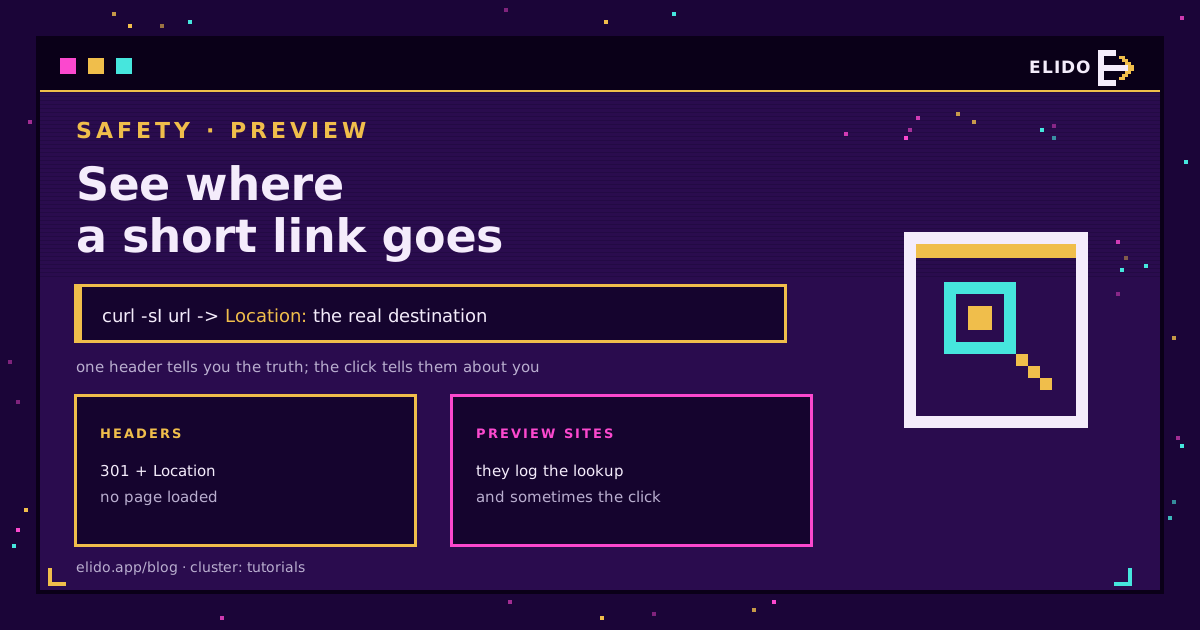
To see where a short link goes without loading it, ask for the headers and stop there:
curl -sI https://s.elido.me/ab12cd
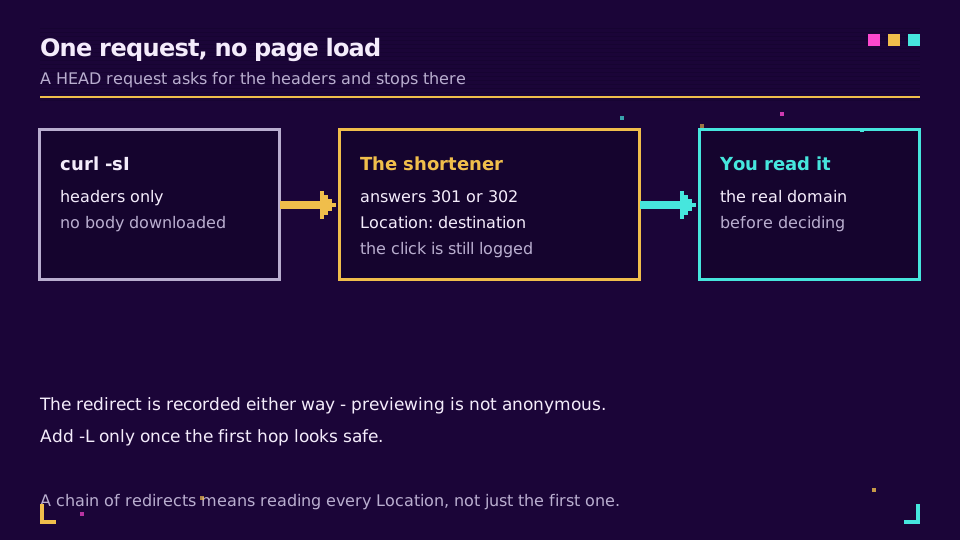
The response's first line is the status, and Location: is the real destination. Nothing about the destination page is downloaded, no scripts run, and you see the domain before you decide anything.
One thing to be clear about up front: this is not anonymous. Resolving a short link means asking the shortener to resolve it, and the shortener records that request the same way it records any other. Previewing shows you where you are going; it does not hide that you looked.
If you are on the other side of this, creating links rather than checking them, are URL shorteners safe covers why the format attracts suspicion in the first place.
Reading the Headers
The useful flags:
curl -sI  https://s.elido.me/ab12cd                 # first hop only
curl -sIL https://s.elido.me/ab12cd | grep -Ei '^HTTP|^location'   # the whole chain
-I sends a HEAD request, -s silences the progress meter, -L follows redirects. Without -L you see one hop, which is the safer default: read it, decide, then follow.
Chains matter more than people expect. A link that starts on a reputable domain can pass through two more before it lands, and only the last one is where you actually end up. The status semantics are in RFC 9110 if you want the difference between a permanent and a temporary redirect, which also decides whether your browser will cache the answer.
On Windows without curl, Invoke-WebRequest -Method Head -MaximumRedirection 0 prints the same header, and the PowerShell walkthrough covers the syntax quirks.
The Other Three Methods, and What They Cost
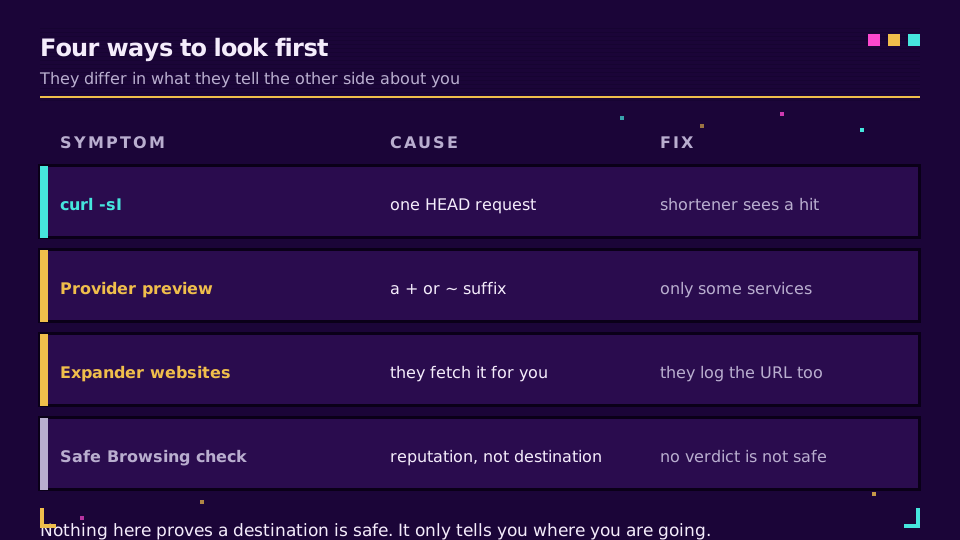
Provider previews. Several shorteners historically supported a suffix, a + or a ~ after the code, that shows an information page instead of redirecting. Where it exists it is the cleanest option, because the provider is answering a question about its own link. Where it does not, the suffix is simply part of a slug that does not exist and you get a 404, which is a fine way to find out.
Expander websites. Paste, and the site fetches the link for you. Convenient, and worth understanding: the site now knows the link you were sent, the destination it resolves to, and that you were cautious about it. For a marketing link that is nothing. For a link whose path contains an invitation token, a document id, or a reference number, you have handed a third party the thing that was supposed to be private.
Reputation checks. Google Safe Browsing's site status tool tells you whether a domain has a known bad record. Useful, but read the answer correctly: it reports the absence of a known problem, not the presence of safety. New phishing domains are clean until someone reports them.
What Expanding Cannot Tell You
The destination domain is one signal and it is easy to make look right. Lookalike domains, a legitimate site with a compromised page on it, and a redirect that behaves differently for a datacentre IP than for a phone all survive the check above.
Three habits do more than any tool:
- Compare the destination against what the sender claimed. A courier text that resolves to a domain registered last week is answered.
- Be more careful with links that arrived unexpectedly, whatever they resolve to.
- Treat a QR code as a short link you cannot read at all, because that is exactly what it is. Are QR codes safe covers the scan-first-look-later version of this problem.
If You Are Creating the Links
Everything above is why the domain you publish on matters more than the slug. A recipient checking a link from go.yourbrand.com learns who sent it from the domain alone; a link on a shared public shortener tells them nothing and looks like everything else.
That is the same reputation argument that decides whether links get blocked in Slack and Teams and whether they survive email filters. It is also why serious shorteners scan destinations at creation time and re-scan later, since a clean URL can turn malicious after the link is made: the URL shortener security checklist is the full version.
Publishing on a domain people recognise is a five-minute setup. Create a link on the free plan and point your own domain at it, and every recipient's safety check answers in your favour.
Read the Cornerstone Series
This sits in the tutorials cluster. How do URL shorteners work explains the redirect you are reading, are URL shorteners safe covers the trust question, and types of redirects covers what each status code in that header means.
Related on the Blog
Frequently asked questions
How do I see where a short URL goes without opening it?
Send a HEAD request and read the Location header: curl -sI https://s.elido.me/ab12cd prints the status line and the destination without downloading the page. The shortener still records that something asked, so this is a way to see the destination, not a way to be invisible.
Can I preview a short link in a browser?
Some providers support a preview suffix, historically a + or a ~ after the code, which shows an information page instead of redirecting. It only works where the provider implements it, so treat a suffix that simply redirects as a sign that this provider does not support previewing.
Are URL expander websites safe to use?
They work, and they see everything you paste. The site learns which link you were sent and usually fetches it from its own servers, which means it also logs the destination. For an ordinary marketing link that is unimportant; for a link containing a token or an identifier in the path, it is a leak.
Does previewing a short link count as a click?
Usually yes. A HEAD request or an expander fetch reaches the redirect and gets recorded like any other hit, so analytics may show an extra click from an unusual location. There is no way to resolve a short link without asking the shortener, and asking is what gets logged.
How can I tell whether the destination is dangerous?
Expanding tells you where you are going, not whether it is safe. Check the domain against a reputation service such as Google Safe Browsing, and be suspicious of a mismatch between the sender's claim and the real domain. A clean reputation result is not proof of safety, only the absence of a known bad record.
What if the short link points to another short link?
Redirect chains are common and each hop needs reading, because a chain that starts on a reputable domain can end anywhere. Follow the whole chain with curl -sIL and read every Location header, rather than only the first one.
Try Elido
Paste a URL, get a working short link
No signup. Link lives for 30 days. Sign up to keep it forever.
Free, no signup required · 2 per day