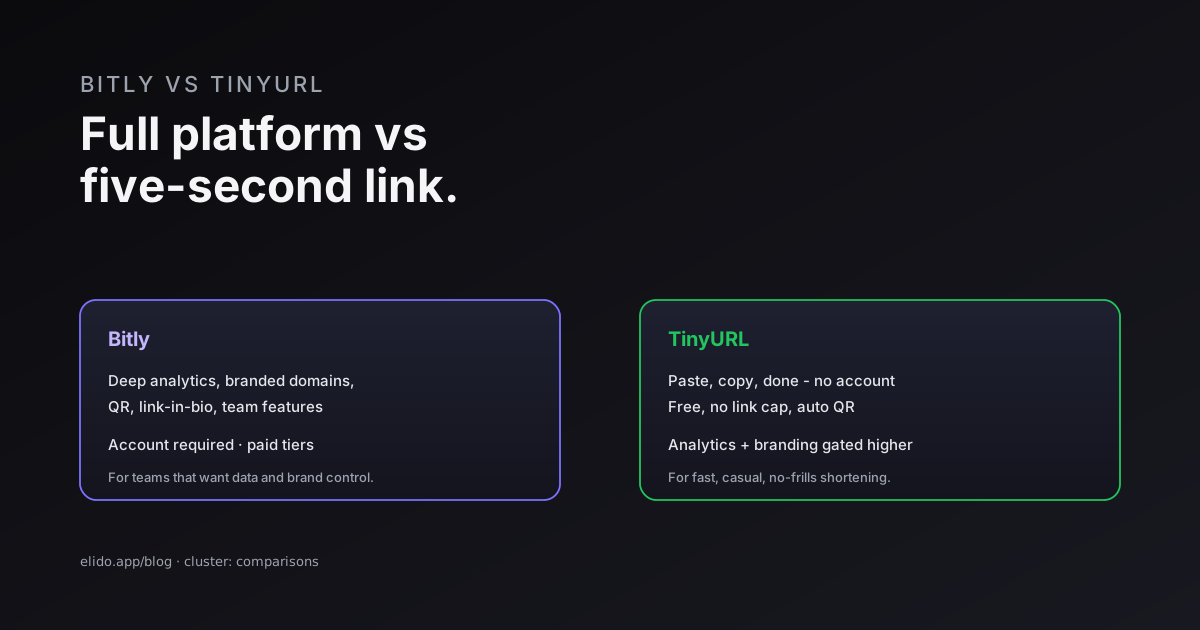
Bitly and TinyURL are the two oldest names in URL shortening, and in 2026 they have drifted to opposite ends of the market. Bitly is now a full link-management platform - analytics, QR codes, branded domains, link-in-bio - that asks you to register and steers you toward paid tiers. TinyURL is the opposite: paste a link, get a short one in five seconds, no account required, with a free tier that genuinely stays free. Neither is wrong; they just answer different questions.
So the choice is not "which is better" but "better for what." If you want a disposable short link with zero friction, TinyURL wins on simplicity. If you want to measure clicks, brand your links, and run a team, Bitly has the depth. And if you are in or selling to Europe, there is a third question - where does your click data live - that neither one answers well, which is where an EU-first option comes in.
This is a comparison-cluster post; for the broader field see Bitly alternatives - the feature gap and the best EU URL shorteners. Here we put the two head to head.
Bitly vs TinyURL at a Glance
The split is clean enough to put in one table.
| Dimension | Bitly | TinyURL |
|---|---|---|
| Account to start | Required (free plan) | Optional - shorten with no signup |
| Free tier link cap | Limited features, metered | No link cap, fewer features |
| Analytics | Deep (geo, device, referrer) on paid | Click totals only, on paid |
| QR codes | Brandable, rationed on low tiers | Auto-generated for every link |
| Branded domains | Mature, paid | Newer, higher tiers only |
| Best fit | Teams wanting data + brand control | Casual, fast, no-frills shortening |
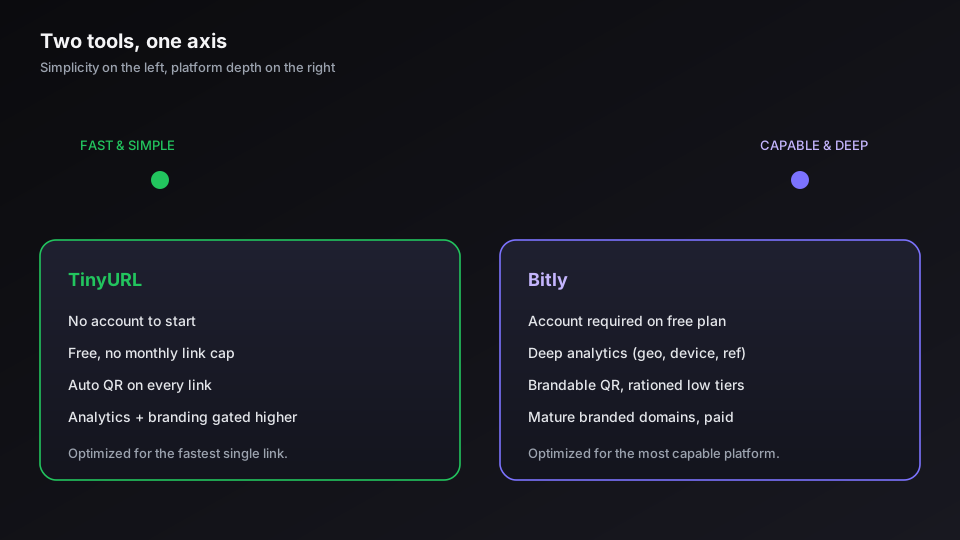
The pattern: TinyURL optimizes for the fastest possible single link, Bitly for the most capable link platform. Everything below is detail on that one axis. The official sites - bitly.com and tinyurl.com - reflect this the moment you land on them: TinyURL shows a box, Bitly shows a product tour.
Ease of Use and the Free Tier
TinyURL wins raw simplicity, and it is not close. You land on the homepage, paste a URL, and copy a short link in seconds with no account, no email, no upsell. The free tier has no monthly link cap, and every link comes with an auto-generated QR code. For a one-off link you will share once and forget, that is exactly the right amount of product.
Bitly's free plan changed the calculus by requiring registration and metering the useful parts - a couple of QR codes a month, only basic click counts, and constant nudges toward a paid tier. That friction buys you something if you intend to grow into the platform, but it is friction nonetheless. If your honest need is "shorten this link right now," TinyURL respects that; if your need is "shorten this link and tell me who clicked," neither free tier delivers, and you are comparing paid plans. Our ranking of free URL shorteners breaks down what each free tier actually withholds.
Analytics, QR Codes, and Branded Domains
This is where Bitly earns its price. On a paid plan you get real analytics: click counts split by geography, device, and referrer, the data you need to tell which channel actually drove a campaign. TinyURL's analytics stop at totals and only appear on paid tiers, which is enough to know a link was clicked but not enough to optimize anything.
QR codes invert the comparison. TinyURL auto-generates one for every link, free, which is genuinely convenient for casual use. Bitly treats QR codes as a first-class, brandable feature but rations them on lower tiers - more polished, less generous. On branded domains the two are closer: both support a custom short domain, but Bitly's setup is more mature with easier DNS and bulk tools, while TinyURL's is newer and gated higher. If a branded domain is your goal, setting up branded short links covers what that should actually look like, and vanity URLs explained covers the readable-link side both tools are reaching for.
Pricing
Pricing is where you should slow down and read the current page, because both vendors revise tiers often. As of June 2026, TinyURL's free tier carries no link cap but withholds branded domains, deep analytics, and customization, with paid plans unlocking those. Bitly's paid plans start around 10 USD per month and climb to enterprise features - SSO, API access, an uptime SLA. Check each vendor's live pricing before you commit; treat any number in a comparison post, including this one, as a starting point to verify, not gospel.
The honest read on value: for casual use TinyURL's free tier is hard to beat because it asks nothing of you. For team use the comparison is paid-vs-paid, and there Bitly's analytics depth is the deciding factor against TinyURL - but not necessarily against the wider market.
If you want Bitly-level analytics and branded domains without the US-residency question hanging over your click data, start a free Elido workspace and see the difference on your own links.
Where Both Fall Short
Here is the dimension neither comparison usually mentions, because both contenders share the same blind spot: they are US companies, and your click data lives under US jurisdiction. For a solo creator that is a non-issue. For a company in or selling to Europe, it is the first thing a procurement or legal review asks about, and "we use Bitly" or "we use TinyURL" is not a satisfying answer to a data-residency question.
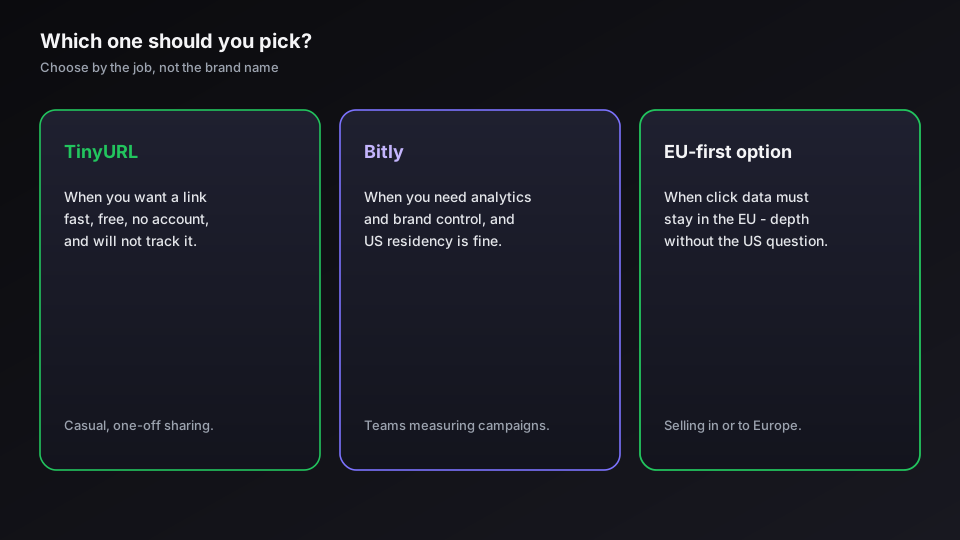
An EU-first shortener closes that gap by keeping click data in the EU region while matching Bitly on analytics depth and branded domains - the capability without the jurisdiction problem. That is the case Elido vs Bitly and Elido vs TinyURL lay out in full. The summary: pick TinyURL for fast, casual, no-account links; pick Bitly for analytics and brand control if US residency is fine; and look at an EU-first alternative when residency, or the combination of depth and residency, is on the line.
Related on the Blog
Frequently asked questions
What is the main difference between Bitly and TinyURL?
Bitly is a full link-management platform - analytics, QR codes, branded domains, link-in-bio, team features - and it pushes you to register and onto paid tiers. TinyURL is a fast, no-account shortener with a generous free tier that stays out of your way. The split is clean: Bitly is built for teams that want data and brand control; TinyURL is built for anyone who wants a short link in five seconds and nothing else.
Is TinyURL or Bitly better for free use?
TinyURL is the better pure-free option. You can shorten a link without an account, there is no monthly link cap on the free tier, and every link gets an auto-generated QR code. Bitly's free plan now requires registration and meters the features that matter - a few QR codes a month and only basic stats. If you just need a working short link at zero cost and no signup, TinyURL wins; if you need analytics on those free links, neither free tier is generous.
Which has better analytics, Bitly or TinyURL?
Bitly, clearly. Even on its entry paid plan you get click counts, geographic and device breakdowns, and referrer data. TinyURL's analytics are limited to click totals and gated behind its paid tiers. If measuring campaigns is the point of shortening links, Bitly is the stronger of the two - though an EU-first alternative will give you the same depth with click data kept in the EU.
Do Bitly and TinyURL both support branded domains?
Both do, but at different levels of polish and price. Bitly's branded-domain setup is more mature, with easier DNS, link editing, and bulk tools, and it sits on paid plans. TinyURL added branded domains more recently and confines them to higher tiers. Neither is free, so if a branded custom domain is the goal, compare the specific tier price rather than the headline 'free' label.
How much do Bitly and TinyURL cost?
As of June 2026, TinyURL's free tier has no link limit but withholds branded domains, deep analytics, and customization, with paid plans unlocking those. Bitly's paid plans start around 10 USD per month and scale up to enterprise features like SSO, API access, and an uptime SLA. Always check each vendor's current pricing page, since both change tiers and limits periodically.
Is there a better alternative to both Bitly and TinyURL?
It depends on what they fail to give you. Both are US-based, so if you operate in or sell to Europe, neither answers the data-residency question that a procurement or legal review will raise. An EU-first shortener keeps click data in the EU while matching Bitly on analytics and branded domains, which is the gap an Elido-style alternative is built to close. For pure casual use, TinyURL is fine; for serious or EU-bound use, look past both.
Try Elido
Paste a URL, get a working short link
No signup. Link lives for 30 days. Sign up to keep it forever.
Free, no signup required · 2 per day