
Use webhooks when a person or a workflow has to react within seconds, and poll when a few minutes of lag is fine and you would rather not run a public endpoint. On Elido the choice has a catch: click tracking webhooks do not exist yet. Webhooks cover link, domain, member and workspace events, and a per-click click.created event is planned but not emitted. Today click data comes from polling the analytics API.
This post does the arithmetic on lag and request volume, covers what each pattern guarantees (retries, duplicates, ordering, signatures), and ends with a decision table. The code was run in Node 22 against local mocks before it went in. For the full link-event catalogue, read webhooks for link events; for the click endpoints, the link analytics API guide.
Webhooks vs Polling in One Paragraph Each
Polling means your code asks for new data on a schedule. A cron job calls GET /v1/workspaces/{workspace_id}/analytics/clicks/recent, handles what is new, and sleeps. You initiate every request. No public URL needed.
Webhooks reverse the direction. Elido sends a signed POST with a JSON envelope to your HTTPS endpoint when an event fires, and a 2xx response marks the delivery done. You need a reachable endpoint. TLS. A handler that survives duplicates. Today the events are link.created, link.updated, link.expired, domain.verified and the rest of the list in the webhook docs.

The Latency and Cost Arithmetic
Polling lag is fixed by the interval. With an interval of I minutes, an event waits I/2 minutes on average and I minutes in the worst case, plus whatever delay the data has before it is queryable. Requests per day are 1,440 / I.
Here are four common intervals, with I and the lag both in minutes:
- I = 1: 1,440 polls a day, 30 seconds of average lag, 1 at worst.
- I = 5: 288 polls, 2.5 on average, 5 at worst.
- I = 15: 96 polls, 7.5 on average, 15 at worst.
- I = 60: 24 polls, 30 on average, 60 at worst.
Cost shows up as wasted requests, not as rate-limit pressure. The published workspace limit on Free is 10 requests per second, which is 864,000 a day (see API rate limits and idempotency). One poller at a 1-minute interval uses 1,440 / 864,000 = 0.17% of that. You'll hit limits when you poll per link across hundreds of links, or when other automation shares the workspace, not with one feed.
The waste is the number that matters. Say a workspace changes 40 links a day and you watch for it by polling every minute. At most 40 of 1,440 requests return something new, so at least 1,400 (97%) are empty. A webhook receiver gets 40 requests for the same 40 events. Worst case, with three attempts each, that's 120.
Webhooks win on lag, which is typically seconds because the delivery worker picks up pending rows continuously. They lose on what polling gets for free: a missed run is repaired by the next run, because the data is still in the API. A missed webhook is repaired only if you built something to repair it.
Delivery Guarantees: What Elido Promises
These behaviours come from the delivery code and the help docs, checked on 1 October 2026.
Retries. A delivery gets three attempts: one at once, one 5 minutes after a failure, one 15 minutes after that, about 20 minutes end to end. Any non-2xx status, network error or response slower than 10 seconds is a failure. After the third, the delivery is marked failed; Retry in the dashboard or POST .../deliveries/{delivery_id}/retry re-arms it with a fresh three-attempt budget. For comparison, Stripe retries live-mode events for up to three days.
Twenty minutes is short. Don't assume a receiver outage will be covered.
Idempotency. Delivery is at least once. The X-Webhook-Delivery header identifies one delivery to one endpoint and does not change across automatic or manual retries, so it is your dedupe key.
Ordering. There's no ordering promise. A retry of an early event can arrive after a later one, so compare data.updated_at with what you stored before you overwrite anything.
Signatures. Every signed delivery carries X-Webhook-Signature (alias X-Elido-Signature) with v1= plus the hex HMAC-SHA256 of {timestamp}.{raw_body}, and the timestamp in X-Webhook-Timestamp. The timestamp is fresh on every attempt, so a legitimate retry is never stale. During a secret rotation, X-Elido-Signature-Previous carries a signature from the old secret for seven days. Verify webhook signatures covers Python, Go and debugging a mismatch.
Transport and pausing. New event endpoints must use https; plain http is accepted only for localhost and 127.0.0.1. Setting is_active to false pauses an endpoint. Since the 22 September fix, that stops queued deliveries too.
A Webhook Receiver in Node
This receiver verifies the signature over the raw bytes, enforces a five-minute window, accepts the previous-secret header during rotation, and dedupes on the delivery ID. The five-minute tolerance is your choice, not Elido's, and it matches the Stripe default. I ran it against a local signer: a valid request returned 200, a replay with the same delivery ID returned "duplicate", a wrong secret and a 400-second-old timestamp both returned 401.
import http from "node:http";
import { createHmac, timingSafeEqual } from "node:crypto";

const SECRET = process.env.WEBHOOK_SECRET; // the whsec_... value
const seen = new Set(); // use a unique index in a real database

export function verify(secret, headers, rawBody, toleranceSec = 300) {
  const ts = headers["x-webhook-timestamp"] ?? "";
  if (!/^\d+$/.test(ts)) return false;
  if (Math.abs(Date.now() / 1000 - Number(ts)) > toleranceSec) return false;
  const mac = createHmac("sha256", secret).update(`${ts}.`).update(rawBody);
  const expected = Buffer.from("v1=" + mac.digest("hex"));
  return ["x-elido-signature", "x-elido-signature-previous"].some((name) => {
    const got = Buffer.from(headers[name] ?? "");
    return got.length === expected.length && timingSafeEqual(got, expected);
  });
}

http
  .createServer((req, res) => {
    const chunks = [];
    req.on("data", (c) => chunks.push(c));
    req.on("end", () => {
      const raw = Buffer.concat(chunks);
      if (req.method !== "POST" || !verify(SECRET, req.headers, raw)) {
        return res.writeHead(401).end();
      }
      const id = req.headers["x-webhook-delivery"];
      if (seen.has(id)) return res.writeHead(200).end("duplicate");
      seen.add(id);
      const event = JSON.parse(raw.toString("utf8"));
      queueMicrotask(() => console.log("handled", event.type)); // do the work after replying
      res.writeHead(200).end("ok");
    });
  })
  .listen(8787);
The length check before timingSafeEqual matters. Node throws on buffers of different sizes. Reply first, work after. The 10-second cut-off is where a slow but successful handler becomes a duplicate.
A Click Poller in Node
Until click.created ships, this is the click path. clicks/recent returns newest first, accepts limit up to 500 (default 100), and returns next_cursor whenever a page comes back full. Each run reads from the top and stops when it reaches the newest click it already handled. I ran it against a mock that pages two rows at a time: the first run handled 5 clicks, the second handled only the 2 new ones, the third handled none.
const BASE = "https://api.elido.app";
const WS = process.env.ELIDO_WORKSPACE_ID;
const KEY = process.env.ELIDO_API_KEY;

// Newest click already handled; clicks/recent is newest first.
let lastSeen = null;
const keyOf = (c) => `${c.ts}|${c.link_id}`;

export async function pollOnce(handle) {
  let cursor = null;
  let newest = null;
  for (;;) {
    const url = new URL(`${BASE}/v1/workspaces/${WS}/analytics/clicks/recent`);
    url.searchParams.set("limit", "500");
    if (cursor) url.searchParams.set("cursor", cursor);
    const res = await fetch(url, {
      headers: { Authorization: `Bearer ${KEY}` },
      signal: AbortSignal.timeout(10_000),
    });
    if (!res.ok) throw new Error(`clicks/recent returned ${res.status}`);
    const { items, next_cursor } = await res.json();
    for (const click of items) {
      if (keyOf(click) === lastSeen) {
        if (newest) lastSeen = newest;
        return;
      }
      newest ??= keyOf(click);
      await handle(click);
    }
    if (!next_cursor) break;
    cursor = next_cursor;
  }
  if (newest) lastSeen = newest;
}

// setInterval(() => pollOnce(handleClick).catch(console.error), 60_000);
Two limits, stated plainly. The cursor orders by timestamp and link ID, so two clicks on one link in the same second share a key; if you cannot afford a rare skipped or repeated click, make handle idempotent on the full row. And lastSeen lives in memory, so persist it between restarts, or a restart replays recent history.
Not ready to build either? That's fine. Open the dashboard and use the dashboard analytics first, then add the API when you know which numbers you need on a schedule.
Decision Table
| Situation | Use today | Why |
|---|---|---|
| React to link or domain changes in seconds | Webhook on link.*, domain.* | Events are pushed; no click event is needed |
| Live click counter in your product | 1-minute poll of clicks/recent | No click webhook yet; 1,440 requests a day is well in limit |
| Per-click CRM enrichment | Event forwarder or short poll | Poll lag of 30 seconds on average is usually acceptable |
| Weekly or monthly reporting | Poll summary and timeseries | Retrospective data gains nothing from push |
| No public endpoint available | Polling | Webhooks need an https URL reachable from the internet |
| Cannot lose a link event | Webhook plus nightly reconciliation | Retries cover about 20 minutes, the poll covers the rest |
When the sampled click.created stream ships, the live-counter and CRM rows move to the webhook column, and the poll becomes the reconciliation pass. Until then, event forwarders such as Mixpanel link click events are the push-style option for click data.
The Hybrid Pattern
For anything you cannot afford to lose, run both. The webhook is the fast path. A scheduled poll compares totals and finds gaps: deliveries that exhausted their three attempts during an outage, or events that arrived out of order.
The summary and timeseries reports return totals and daily buckets for a date range in one call, which makes a nightly comparison cheap. Remember that the bot filter removes crawlers and monitors before clicks are recorded, so your totals won't match raw server logs; the analytics guide explains what is excluded. The security checklist covers the rest. If you design your own webhooks, the Standard Webhooks spec is a useful reference.
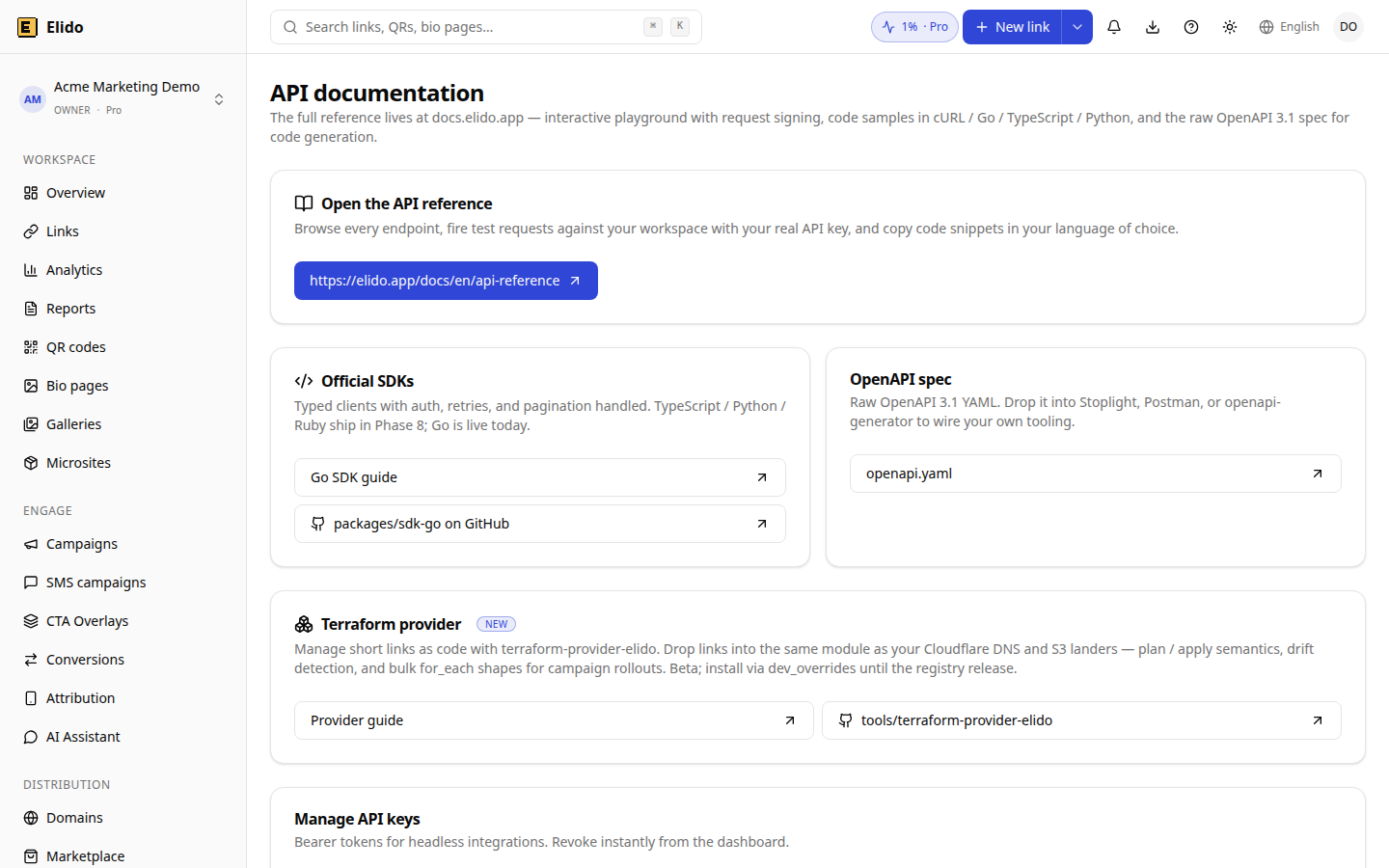
The API documentation screen of a DEMO workspace with example data; it is not a customer account.
A Pre-Launch Checklist for Either Pattern
Before you ship a receiver or a poller, run through six checks. Most production incidents with both patterns come from skipping one of them.
- Webhook: reply with 2xx within 10 seconds, and do the slow work after replying.
- Webhook: verify the signature over the raw body before parsing JSON.
- Webhook: store
X-Webhook-Deliverywith a unique index so a retry cannot double-count. - Poller: persist the cursor or last-seen key outside process memory.
- Poller: back off on a 429 or 5xx instead of retrying at the normal interval.
- Both: alert when no event or new click has arrived for longer than your normal quiet period, because silence is how a broken integration looks. Independent write-ups such as Hookdeck's webhook vs API polling guide land on the same advice: push for speed, poll to reconcile.
Related on the Blog
Frequently asked questions
What is the difference between webhooks and polling?
With polling your code asks the API for new data on a schedule. With webhooks the server sends an HTTP POST to your endpoint when something happens. Polling costs requests and adds up to one interval of lag. Webhooks cost an always-on public endpoint and the work of handling retries and duplicates.
Does Elido have click tracking webhooks?
Not yet. Webhooks cover link, domain, member and workspace events such as link.created and link.expired. A click.created event is planned but nothing publishes it today. For click-level data, poll the clicks/recent report of the analytics API with its cursor, or use an event forwarder.
How often should I poll an analytics API?
Match the interval to the decision the data feeds. One minute suits a near-live counter, five to fifteen minutes suits dashboards, and hourly or daily suits reports. A 1-minute poll makes 1,440 requests a day and a 5-minute poll makes 288, so shorter is rarely worth it.
Are webhooks guaranteed to arrive exactly once?
No. Webhook delivery is at least once, so a receiver sees duplicates after a timeout or a manual re-send. Elido keeps the same X-Webhook-Delivery value across retries, so store that ID and skip anything you have already handled.
What happens if my webhook endpoint is down?
Elido makes three attempts: one immediately, one five minutes after a failure and one fifteen minutes after that. If all three fail, the delivery is marked failed until someone presses Retry or calls the retry endpoint. Outages longer than about twenty minutes need a reconciliation job.
Can I combine webhooks and polling?
Yes, and for anything that matters you should. Use the webhook as the fast path and a scheduled poll as the safety net that finds events your receiver missed. The poll can run hourly or nightly because it only has to close gaps.
Try Elido
Paste a URL, get a working short link
No signup. Link lives for 30 days. Sign up to keep it forever.
No signup needed. Sign up free for 50 links a month.