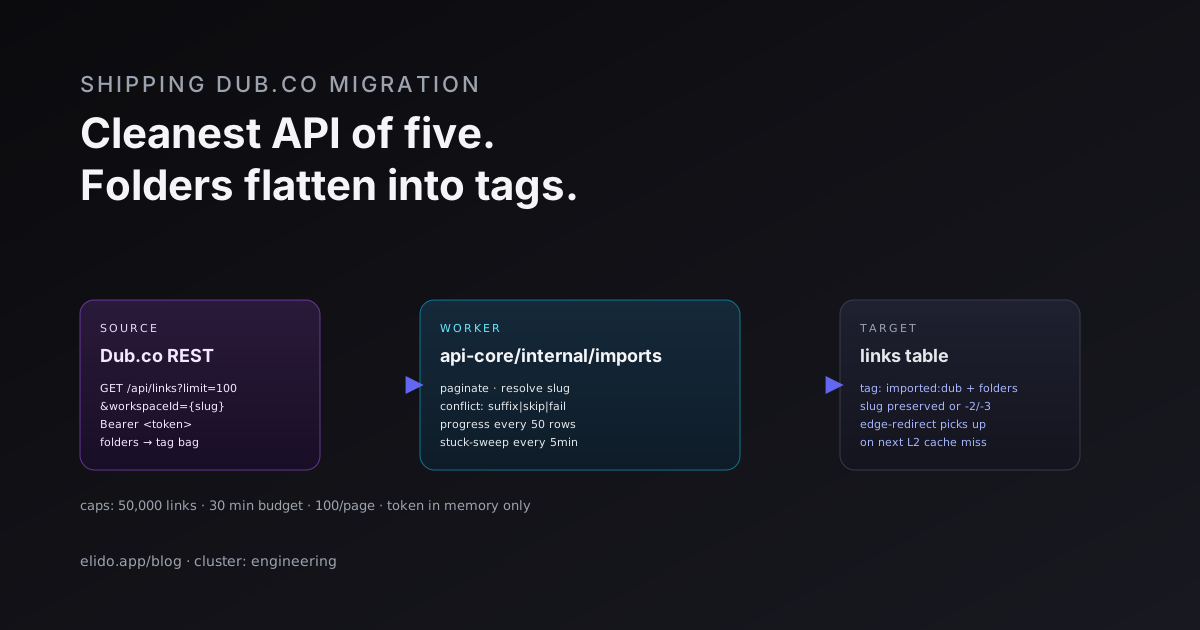
Elido's Dub.co importer reads your links through Dub's REST API, 100 per request, and creates them on one Elido domain with the same slug. It carries over the slug, destination URL, title and tag names. It does not carry over folders, archived links, click history or any link settings. Those are the facts that matter if you are planning a move.
An earlier version of this post claimed that Dub folders flatten into tags. I re-read the importer for this update and that was wrong: the code never reads folders. This version describes what services/api-core/internal/imports/dub.go does today, checked against Dub's published API spec (accessed 2026-10-02).
What the importer asks Dub for
The worker sends GET https://api.dub.co/links?page=N&pageSize=100 with your key as a bearer token. Per Dub's API key documentation (accessed 2026-10-02), a key is tied to one workspace and can be created read-only. A read-only key is all this import needs, because the worker only lists links and never writes to Dub.
The response is a plain JSON array. There is no "has more" flag, so the worker keeps requesting pages until one comes back shorter than 100 items, or empty:
if len(links) == 0 { break }
// ... import each link ...
if len(links) < dubPageSize { break } // last page
page++
One caveat from Dub's own spec: the page parameter is marked deprecated in favour of cursor paging with startingAfter. It still works today, and pageSize accepts up to 100. If Dub removes page, the importer will need a small change, and I would expect that to show up as a failed job with a clear HTTP error rather than silent data loss.
Dub's rate limits page (accessed 2026-10-02) lists 60 requests per minute on the Free plan and 600 on Pro. The importer inserts links one by one into Postgres between requests, so it does not come near the Free limit in practice. It also has no retry: an HTTP 429 or any non-200 answer ends the job as failed with the status code in the message.
What lands in Elido, field by field
| Dub field | In Elido | Notes |
|---|---|---|
key | Slug | Subject to the conflict strategy below |
url | Destination URL | A link with no URL or no key is counted as failed |
title | Title | Truncated to 200 characters |
tags[].name | Tags | Names only, colours are not carried |
| (none) | imported:dub tag | Added to every imported link |
domain, folderId, archived, others | Not read | See the next two sections |
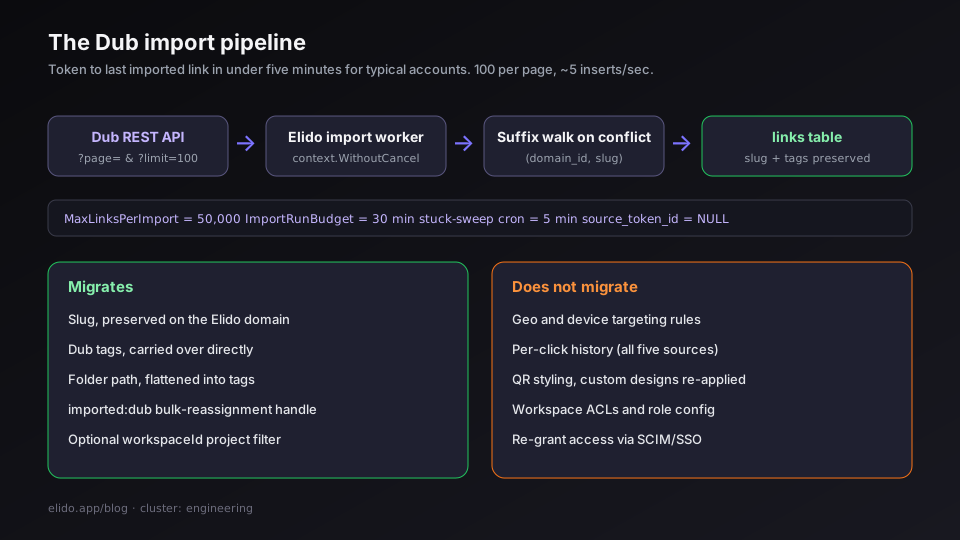
Everything else on a Dub link is dropped on the floor: description, social preview image, expiry, password, geo and device targeting, UTM fields, iOS and Android targets, conversion tracking flags. If a link depends on any of those, rebuild it after the import. Elido has its own smart-link rules for targeting, but nothing maps Dub's rules across automatically.
Folders, archived links and domains
Three Dub concepts are not handled, and each one can surprise you.
Folders. In Dub's link schema, a folder shows up only as a folderId string. The importer has no field for it and makes no second call to resolve folder names. Elido has tags, not folders, so even a future importer would have to flatten them. Today the folder structure is lost. If it matters, note the folder for each slug before you start, then tag the imported batch (filter on imported:dub) by hand or with the API.
Archived links. Dub's list endpoint takes a showArchived parameter that defaults to false. The importer never sets it, so archived links are not returned and not imported. That is a reasonable default for a migration, but you should know about it if you keep old campaign links archived on purpose.
Link domains. A Dub workspace can hold links on several domains. The importer reads all of them, ignores the domain field, and creates every link on the single Elido domain you pick. If two Dub domains use the same key, the second one hits a conflict. The conflict strategy decides what happens next, so pick it with that in mind.
Conflicts, caps and the worker contract
You choose a conflict strategy when you start the job:
suffixtriesmylink-2,mylink-3and so on up to-50, then gives up on that link and counts it as failed.skipleaves the existing Elido link alone and logs the slug as skipped.failstops the whole job at the first conflict.
Per run, the worker stops at 50,000 links (MaxLinksPerImport) or after 30 minutes (ImportRunBudget), whichever comes first. Progress is saved every 50 links and the dashboard polls it. The error log keeps at most 1,000 entries. Each slug check is one indexed lookup on (domain_id, slug).
I have not benchmarked Dub imports against a large account, so I will not quote a links-per-minute figure. The loop is one HTTP page of 100 links followed by 100 sequential inserts, so duration scales with how fast Dub answers and with your database. Test with a small workspace first.
Token handling and what happens on a deploy
The key travels in the request body of POST /imports/dub, is held in the memory of the running worker, and is never stored: the job row's source_token_id stays empty. Only the optional workspace_id text goes into the job's source_filter column.
The worker runs in a goroutine detached from the HTTP request with context.WithoutCancel. That keeps it alive after the response, and it also means a deploy or restart kills it mid-run. A scheduler job runs every 5 minutes and marks any running import with no progress for 30 minutes as failed. Re-running is safe under suffix (you get -2 copies of anything already imported) and under skip (already imported slugs are skipped). Nothing resumes from the last page yet.
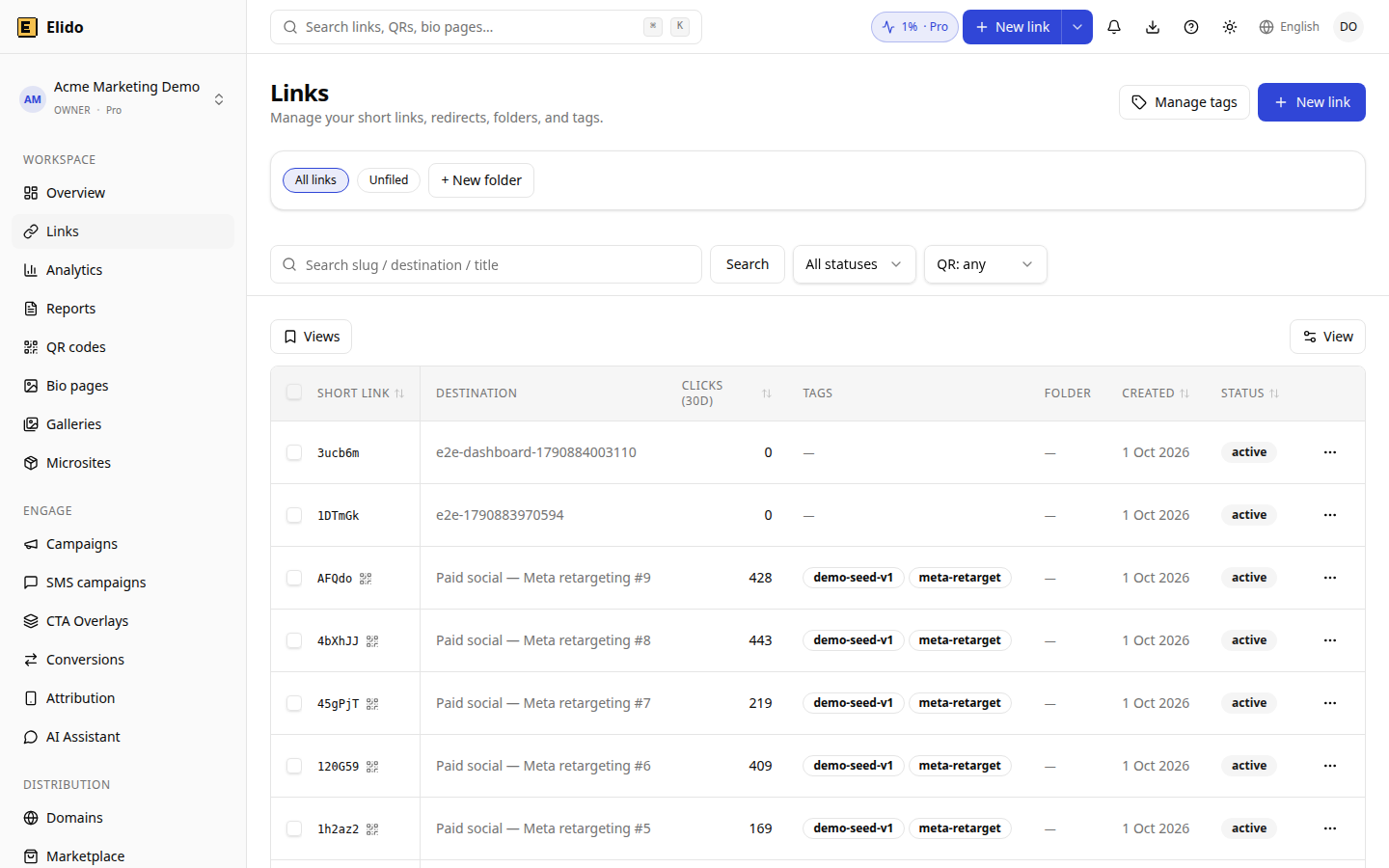
The links list in a demo workspace with synthetic data. After an import, filter on the imported:dub tag to find the batch.
A short checklist before you run it
- Create a read-only API key in your Dub workspace.
- Unarchive any archived links you want to keep, and note any folder structure you rely on.
- Add the target domain in Elido, and pick
skiporsuffixknowing that all Dub domains collapse into this one. - Run the import from the dashboard integration page, or
POST /imports/dubwithtoken,target_domain_idandconflict_strategy. - Spot-check slugs and destinations against Dub, then update DNS for any custom domain you own. The Bitly cutover playbook covers the DNS order, which is the same for any vendor.
If you are still deciding whether to move at all, Elido vs Dub compares plans and features, and GDPR for URL shorteners explains the data-residency side. The vendor-facing walkthrough lives on the Dub migration page.
Related on the Blog
Frequently asked questions
What does the Dub.co importer bring into Elido?
For each link it reads, the importer carries over the slug (the Dub key), the destination URL, the title (cut to 200 characters) and the tag names, and adds an imported:dub tag. Nothing else is read from the Dub record: no description, expiry, password, UTM fields, targeting rules or click counts.
Do my Dub folders survive the import?
No. Dub's list endpoint returns only a folderId for each link, not the folder name, and the importer does not look folders up. Imported links keep their tags but arrive with no folder information. If you rely on folders, write down which tag or slug pattern maps to each folder before you start.
Are archived Dub links imported?
Not by default. Dub's list endpoint leaves archived links out unless a showArchived parameter is sent, and the importer does not send it. Unarchive anything you want to keep, or recreate it by hand, before you run the import.
Can I filter the import to one Dub workspace?
A Dub API key belongs to a single workspace, so the key already limits what is listed. The API accepts an optional workspace_id field and forwards it to Dub as a query parameter, but Dub's documented list parameters do not include it. The dashboard form has no such field, so treat it as a no-op.
How many links can one run import, and how long can it take?
A run stops at 50,000 links or 30 minutes, whichever comes first, and reads 100 links per request. Above that, the job is marked failed with a budget message at the point it stopped. A run that makes no progress for 30 minutes is also swept to failed.
Does the importer work with a self-hosted Dub?
Not today. The API base is fixed to https://api.dub.co in the code and there is no setting or environment variable to change it. A self-hosted Dub instance cannot be pointed at through the dashboard. Export your links from your own database and recreate them through the Elido API.
Try Elido
Paste a URL, get a working short link
No signup. Link lives for 30 days. Sign up to keep it forever.
Free, no signup required · 2 per day