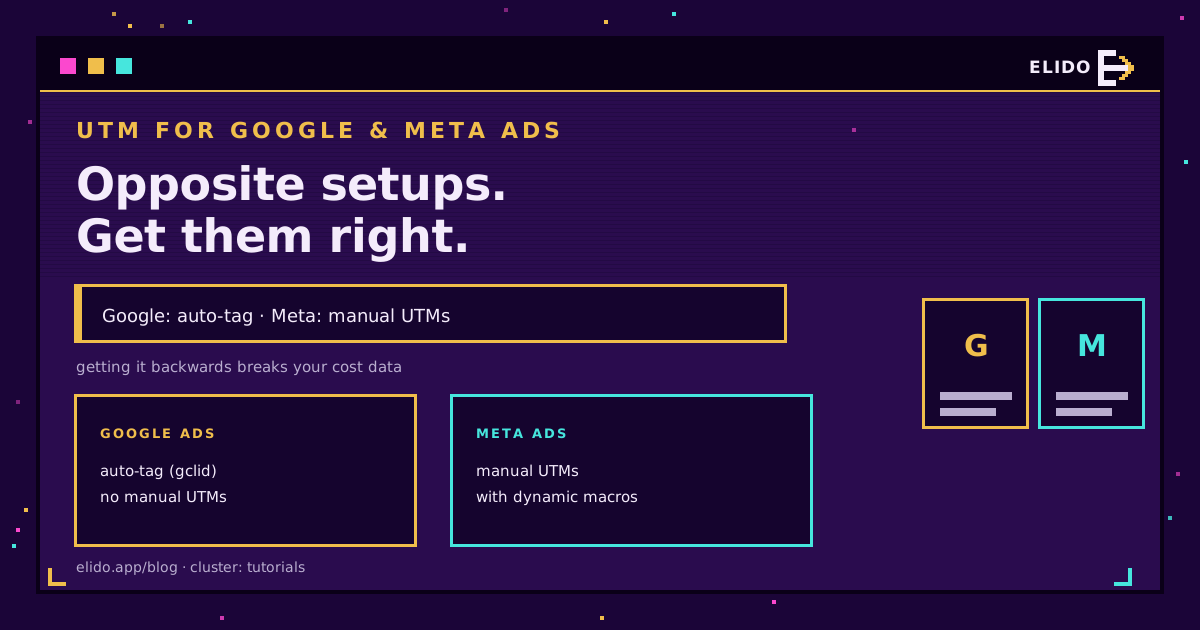
Google広告とMeta広告は正反対のUTM設定を必要とし、これを取り違えることが有料トラッキングで最もよくある失敗です。Googleはすべてのクリックにgclid を自動タグ付けするため、手動UTMを追加すべきではなく、追加すると実際にコストデータが壊れます。Metaはまったく自動タグ付けを行わないため、手動UTMを追加しなければトラフィックはダイレクトとして表示されます。本稿では、それぞれを正しくタグ付けする方法を解説します。
タグそのものに不慣れな場合は、UTMパラメーター解説が入門記事で、無料のUTMビルダーがタグ付きURLを生成してくれます。本稿は具体的に、ルールが分岐する2大広告プラットフォームに絞った内容です。
Google広告: 自動タグ付けをオンのままにする
Google広告には独自のクリック識別子があり、Google自身のデータにとってはUTMよりも優れています。
自動タグ付けを有効にすると、Googleはすべての広告クリックにgclidパラメーターを付加します。GA4はそのgclid を読み取り、ソースをgoogleに、メディアをcpcに設定し、そして重要なことに、Googleだけが持つコスト・キーワード・キャンペーンデータを取り込みます。その上に手動でutm_sourceとutm_mediumを追加すると、gclid によるアトリビューションが上書きされ、GA4はコストデータを失います。したがってGoogle広告のルールはシンプルです。自動タグ付けをオンのままにし、最終URLに手動UTMを追加しないことです。
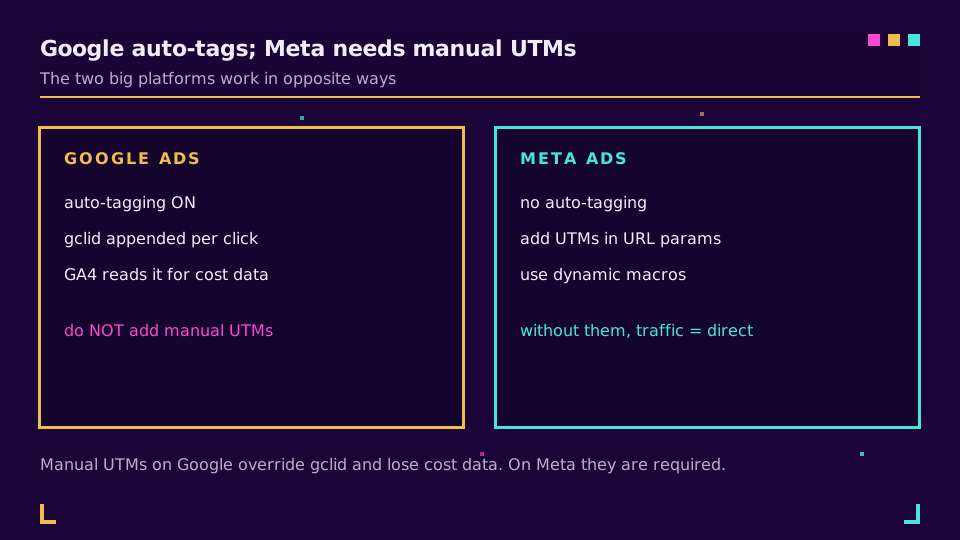
唯一の例外は、gclid を読み取れないCRMのように、GA4以外の場所でGoogle広告のキャンペーンデータが必要な場合です。その場合はUTMも追加し、GA4がそちらに依存することを受け入れます。ほとんどのチームにはこの例外は当てはまらず、最もクリーンなGoogleの設定はgclid 単独です。
Meta広告: マクロを使った手動UTM
Metaはその鏡像です。自動タグ付けは存在しないため、UTMなしのMetaクリックはGA4上でダイレクトまたは未割り当てのトラフィックとして着地し、キャンペーンは見えなくなります。
対策は、Ads ManagerのURLパラメーターフィールドを広告セットまたは広告レベルで設定し、Metaの動的マクロを使ったUTMで埋めることです。そうすれば値は自動的に入力されます。
utm_source=facebook&utm_medium=paid_social&utm_campaign={{campaign.name}}&utm_content={{ad.name}}&utm_id={{campaign.id}}
二重波括弧のマクロは配信時にMetaによって置き換えられるため、utm_campaignは広告ごとに手入力しなくても実際のキャンペーン名で埋まります。ソースをfacebookまたはinstagramに設定し、メディアは一貫させ(paid_socialが一般的です)、残りはマクロに任せてください。小文字と固定の語彙を徹底しましょう。Facebookとfacebookが混在すると、レポートが分裂します。
iOSプライバシーの視点
プラットフォームが代わりにタグ付けしてくれる場合でもUTMを維持すべき理由がここにあります。
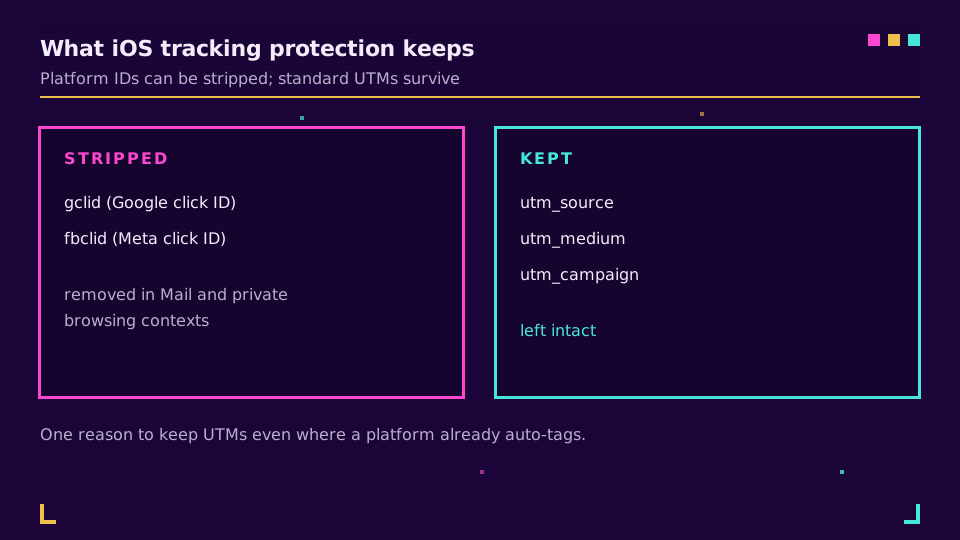
AppleのLink Tracking Protectionは、MailやプライベートブラウジングといったコンテキストでURLからgclid やfbclid などの既知のクリック識別子を取り除きます。しかし標準のutm_パラメーターは取り除きません。したがって、Appleがプラットフォームの識別子を取り除いたトラフィックでも、自分が追加したUTMはアトリビューションを運び続けます。iOS利用者の多いオーディエンスを狙うキャンペーンにとって、この耐性は追加タグの手間に見合う価値があり、これが2つの仕組みが競合するのではなく補完し合う理由です。
タグ付きリンクを短く、ブランド化され、広告やプロフィールでクリック可能な状態にもしたい場合は、Elidoのキャンペーン機能がタグ付きリンクをグループ化して短縮します。無料プランで始めることもできます。
広告トラッキングを壊すよくある失敗
有料広告のレポートが壊れる原因の大半は、3つの誤りに集約されます。
1つ目は、自動タグ付けの上にGoogle広告へ手動UTMを追加してしまうことです。これはgclid を上書きし、GA4のコストデータを消し去ります。どちらか一方だけを選び、Googleについてはgclid を選んでください。2つ目は、Metaで完全にUTMを忘れることです。これによりトラフィックはダイレクトまたは未割り当てのバケットに落ち、見えなくなります。Metaでは毎回必要です。3つ目は、プラットフォームやキャンペーンをまたいだ値の不統一です。ここではfacebook、あちらではFacebook、ある場所ではpaid_social、別の場所ではpaid-social。UTMの値は大文字小文字を区別し、そのままの文字列として扱われるため、それぞれのバリアントが独自の行になり、レポートが断片化します。小文字の分類ルールを固定し、書き留め、使い回してください。ツールは命名のずれを直してくれませんし、その上に構築されたレポートも同様です。
動作確認の方法
タグが発火したと思い込まず、確認してください。
自分の実際に配信中の広告、あるいはプレビューをクリックし、アドレスバーに表示されるURLを読みます。Googleの場合、gclid が付加されており、余分なUTMがないはずです。Metaの場合、マクロが埋まったutm_の値が見え、二重波括弧のリテラルなテキストではないはずです。次に1日後にGA4のトラフィック獲得レポートを開き、ソースとメディアが意図通りに読み取られているかを確認します。Googleならgoogle / cpc、Metaならfacebook / paid_socialです。GA4はこれらの値をキャンペーンレポートにマッピングします。キャンペーンがダイレクトまたは未割り当てに着地している場合、タグが欠けているか不正な形式であり、この5分間のチェックで、フライト全体のレポートが誤る前に発見できます。
クイックリファレンス
すべてが1つの表に収まります。
| プラットフォーム | タグ付け | すべきこと |
|---|---|---|
| Google広告 | 自動タグ付け(gclid) | 自動タグ付けをオンのままにし、手動UTMは追加しない |
| Meta広告 | なし | URLパラメーターに動的マクロ付きの手動UTMを追加する |
| なし | 手動でUTMを追加する | |
| メールなど | なし | 手動UTMを追加し、結果を短縮する |
この2大プラットフォームさえ正しく押さえれば、残りは同じ手動パターンに従います。自動タグ付けしないチャネルには手動UTMを付け、タグ付きの長いURLはすべて短縮して、投稿・プロフィール・印刷物でも使える状態を保つのです。すべてをクリーンに保つ命名の規律についてはUTM命名規則が併せて読む記事であり、UTMキャンペーンをエンドツーエンドで追跡する方法がデータの着地点を示しています。
ブログの関連記事
よくある質問
Google広告にUTMパラメーターを追加すべきですか?
通常、手動では追加しません。Google 広告の自動タグ付けはgclid を付加し、GA4がそれを読み取ってソースとメディアを設定し、コストデータを取り込みます。その上に手動でUTMを追加すると、そのgclid によるアトリビューションが上書きされ、GA4でGoogle広告のコスト数値を失います。自動タグ付けはオンのままにしてください。手動UTMを追加すべきなのは、一部のCRMのようにgclid を読み取れないツールでキャンペーンデータが必要な場合だけです。
Meta広告にUTMパラメーターは必要ですか?
はい。Metaは自動タグ付けを行わないため、手動UTMがなければMetaのトラフィックはダイレクトまたは未割り当てとして表示されます。広告セットまたは広告レベルのURLパラメーターフィールドにUTMを追加し、Metaの動的マクロを使ってキャンペーン名や広告名が自動的に埋まるようにしてください。これは手動UTMが問題を引き起こすGoogle広告とは正反対です。
gclid とUTMパラメーターの違いは何ですか?
gclid はGoogle独自のクリック識別子で、自動タグ付けによって自動的に付加され、Google広告のコストとキャンペーンデータをGA4に運びます。UTMパラメーターは、どのアナリティクスツールでも読み取れるオープンで手動のタグです。gclid はより多くの情報を持ちますが、Google専用でGoogleしか読み取れません。UTMはよりシンプルですが汎用的です。本格的な有料検索の設定では、gclid の自動タグ付けを動かしつつ、Google以外のツールが必要とする場合にのみUTMを追加します。
UTMパラメーターはiOSのLink Tracking Protectionを乗り越えられますか?
はい。AppleのLink Tracking Protectionは、一部のコンテキストでgclid やfbclid のような既知のクリック識別子をURLから取り除きますが、標準の utm_ パラメーターはそのまま残します。これは、プラットフォームが自動タグ付けを行っている場合でもキャンペーンにUTMを付けておくべき実用的な理由の一つです。プラットフォームの識別子が生き残らない場面でも、UTMは生き残ります。
FacebookとInstagram広告にはどのUTM値を使うべきですか?
よくある慣習は、utm_source=facebook(またはinstagram)、utm_medium=paid_social、そしてutm_campaign、utm_content、utm_idにMetaの動的マクロ、たとえば{{campaign.name}}や{{ad.name}}から値を埋めることです。すべて小文字で一貫させてください。具体的なsourceの値は自由に選べますが、特定の単語そのものより、すべてのキャンペーンにわたる一貫性のほうが重要です。
Elidoを試す
URLを貼り付けて短縮リンクを取得
登録不要。リンクは30日間有効。永久に保存するには登録してください。
Free、登録不要 · 1日あたり2件